Email MCP servers are starting to split into a few distinct categories. Some help AI agents send product emails from a SaaS application, some provide agent‑owned inboxes, and others connect agents to existing Gmail or Outlook accounts.
This guide compares the best email MCP servers and APIs for AI agents in 2026 by looking at their real architecture: MCP support, API capabilities, sending, receiving, agent‑owned inboxes, webhooks, authentication, and fit for production use. Sidemail, Resend, AgentMail, Nylas, Postmark, Mailgun, and Shipmail all solve different parts of the problem, so the right choice depends on what kind of email workflow your agent actually needs.
What type of email infrastructure does your AI agent need?
Choose the right architecture first. We categorized email MCP use cases into three groups: SaaS email, agent‑owned inboxes, and access to existing Gmail or Outlook accounts.
- Application or SaaS emails. This is the right setup for AI-generated reports, password resets, onboarding emails, billing alerts, customer summaries, authentication links, product updates, and other lifecycle messages. You’ll typically need reliable production sending, templates, custom domains, delivery logs, contacts, webhooks, and support. Sidemail is the best fit for this use case.
- Agent‑owned inbox. Choose this when the agent needs its own email address, agent‑owned inbox, incoming messages, replies, attachments, and conversation threads. This works well for autonomous agents that communicate as independent participants rather than sending messages on behalf of your application. AgentMail, Shipmail, and Nylas Agent Accounts are the main options to consider.
- Existing human mailbox. Use this when the agent needs to work inside Gmail, Google Workspace, Outlook, Microsoft 365, Exchange, or an IMAP mailbox. The main challenges are OAuth, mailbox sync, search, drafts, replies, and permission scopes. Nylas is the best fit here.
MCP servers and APIs overview
- Sidemail – Best overall email MCP server and API for AI agents
- Resend – Strong alternative with extensive agent tooling
- AgentMail – Best for agent‑owned inboxes
- Nylas – Best for connecting AI agents to existing Gmail and Outlook accounts
- Postmark – Best for straightforward inbound webhook workflows
- Mailgun – Best for advanced routing and traditional email infrastructure controls
- Shipmail – Best lightweight dedicated agent-mailbox option
Comparison table and methodology
We reviewed each provider from the perspective of a developer building email into an AI-powered product or service. Not just “does it have MCP?”, but what can it actually do once connected? We checked official docs, APIs, pricing, GitHub repositories, inbound email support, changelogs, and security-related pages, then ranked the tools by practical product fit.
| Provider | Best for | Official MCP | REST API | Send | Receive | Agent‑owned inbox | Gmail/Outlook access | Transactional emails | Newsletters & broadcast | Email automation |
|---|---|---|---|---|---|---|---|---|---|---|
| Sidemail | AI-powered product emails | Hosted + local | Inbound API | |||||||
| Resend | Agent tooling | Hosted + local | Inbound webhook | Limited | ||||||
| AgentMail | Agent inboxes | Hosted + bridge | Inbox + webhooks | Limited | ||||||
| Nylas | Existing mailboxes | Hosted + CLI | Mailbox sync | |||||||
| Postmark | Inbound webhooks | Local | Inbound webhook | |||||||
| Mailgun | Routing controls | Local | Routes | Limited | ||||||
| Shipmail | Lightweight agent mailboxes | Hosted + local | Mailbox + webhooks |
1. Sidemail – Best overall email MCP server and API for AI agents
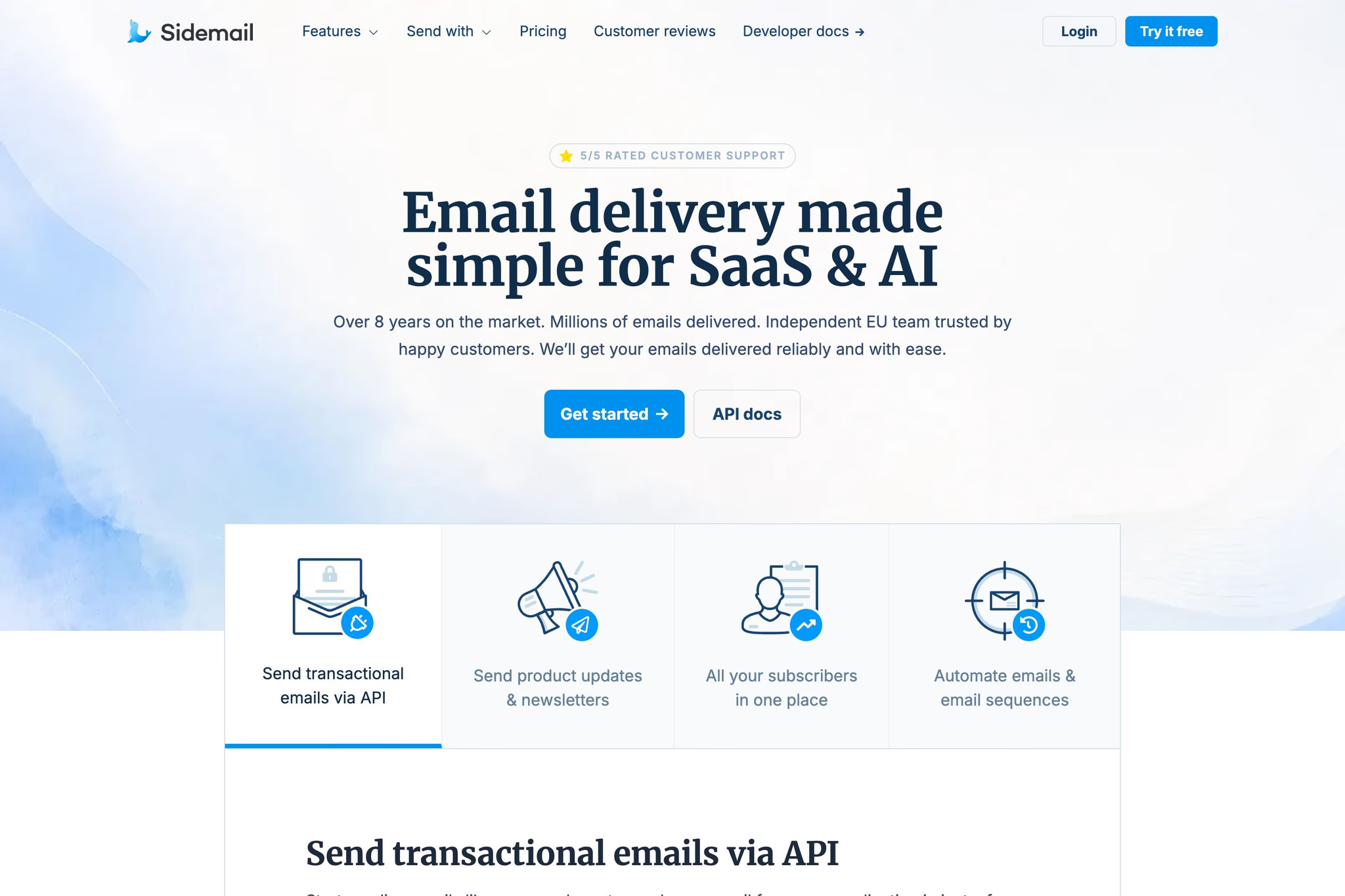
Sidemail is the strongest overall choice when email is part of your product or service. It gives AI agents a practical way to work with sending domains, subscribers, email templates, newsletters, and the tools around them, while giving your application the API and SMTP infrastructure needed to reliably send production emails.
The MCP server is available through hosted Streamable HTTP at https://api.sidemail.io/mcp or locally through @sidemail/mcp, using a Sidemail API key for authentication. This makes it useful for setting up and managing email with tools such as Claude, Cursor, or other MCP clients.
For actual product emails, Sidemail's REST API and SMTP relay are the more important pieces. They support templates, HTML, plain text, markdown, scheduled delivery, attachments, and backend workflows. Sidemail also supports inbound routes, so your application can receive email and react to email.received webhooks when needed.
Key strengths
- Best fit for AI-powered products and services that need to set up, manage, and send product emails reliably.
- Combines MCP for agent-assisted setup and management with REST API and SMTP relay for reliable email delivery, plus webhooks, subscribers, email templates, sent-email history, and API logs.
- Covers newsletters/product updates, email automation, subscribe forms, and white-label sending.
- Unlimited projects and unlimited contacts.
- 5-star rated support, straight from the Sidemail engineering team.
- EU-made, GDPR-compliant, operating since 2018.
Limitations
- Not an agent‑owned user‑style mailbox.
Pricing
Sidemail starts at $14/month paid yearly or $19 monthly for up to 1,000 emails. The plan includes everything you need for sending, creating, and managing emails – including API and SMTP relay, email editor, automation, unlimited projects, unlimited contacts, transactional email features, newsletters, contact management, and webhooks. The trial does not require a credit card.
2. Resend – Strong alternative with extensive agent tooling
Resend is one of the stronger options if MCP coverage is your main priority. It offers both a hosted MCP server at https://mcp.resend.com/mcp and a local open-source server, with OAuth for browser-based clients and Bearer API-key authentication for headless setups. Its MCP tools cover sending, receiving, contacts, broadcasts, domains, and metrics. Resend also has a REST API, SDKs, webhooks, custom domains, broadcasts, audiences, automations, and inbound email support.
Key strengths
- Official remote and local MCP for Claude, Cursor, Codex, Copilot, Windsurf, and Warp.
- Broad MCP operations across sending, received emails, contacts, broadcasts, domains, and metrics.
- REST API, SDKs, webhooks, custom domains, broadcasts, audiences, templates, automations, and inbound email.
Limitations
- Inbound email is primarily a webhook/API pattern, not a dedicated agent‑owned mailbox.
- Strong MCP coverage does not automatically make it the best full email platform.
Pricing
Resend has a free tier with 3,000 emails per month and a 100-email daily limit. Paid Pro plan starts at $20/month for 50,000 emails, and Scale starts at $90/month for 100,000 emails.
3. AgentMail – Best for agent‑owned inboxes
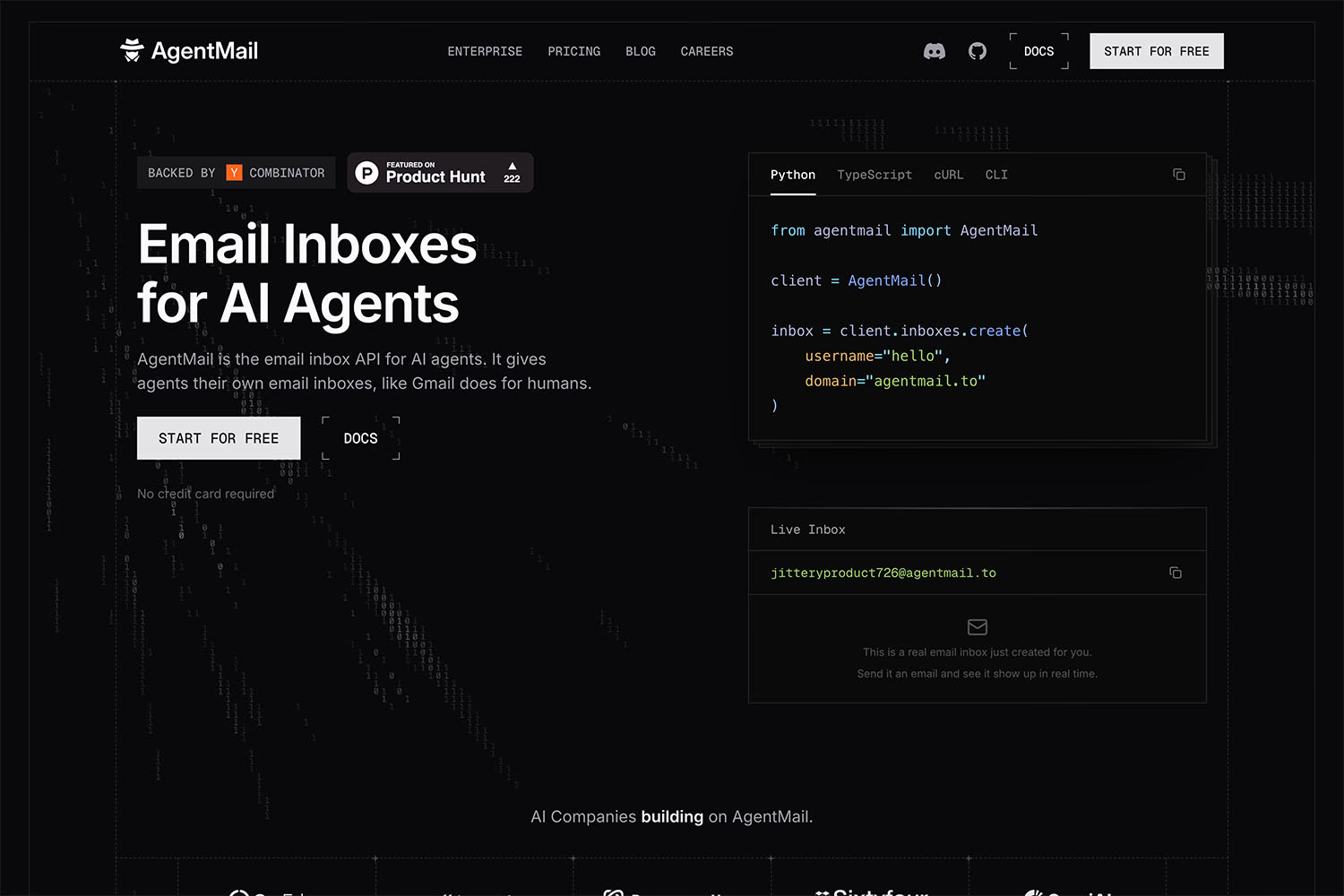
AgentMail is built around the idea that an AI agent can have its own inbox. Hosted MCP server is at https://mcp.agentmail.to/mcp. It is a good fit when the agent needs a real email identity, incoming messages, replies, threads, drafts, attachments, webhooks, and stored conversation history. This makes it useful for autonomous agents that communicate as independent participants, but less useful if you mainly need product-triggered email from a SaaS application.
Key strengths
- Agent‑owned inboxes, threads, messages, drafts, attachments, and webhooks built for autonomous agents.
- Hosted MCP with OAuth and API-key options.
- Pod model for tenant or customer isolation.
- Granular API-key permissions across inbox, message, draft, webhook, domain, metric, and pod actions.
Limitations
- Overbuilt if the agent only sends application-generated notifications or reports.
- Not designed for agents that must operate inside an existing Gmail or Outlook inbox.
Pricing
AgentMail has a free plan with 3 inboxes, 3,000 emails per month, and 3 GB storage. Developer is $20/month for 10 inboxes, 10,000 emails, 10 GB storage, and 10 custom domains. Startup is $200/month for 150 inboxes and 150 custom domains.
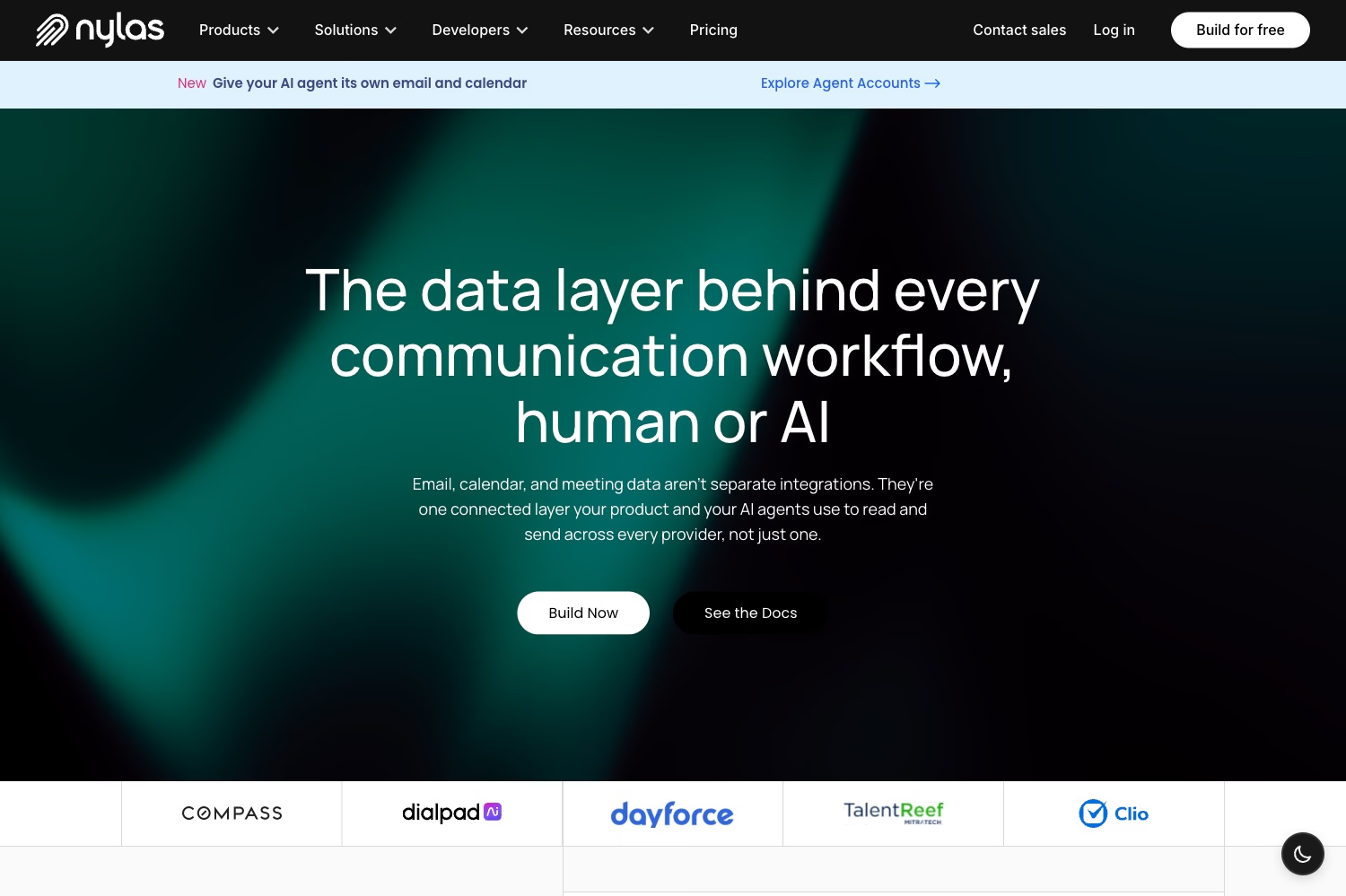
4. Nylas – Best for connecting AI agents to existing Gmail and Outlook accounts
Nylas is the best fit when an agent needs to work inside an email account that already exists. Instead of giving the agent a new product-email system, Nylas connects it to Gmail, Google Workspace, Outlook, Microsoft 365, Exchange, IMAP, and other mailbox providers through one API. It is strongest for workflows that need mailbox sync, search, drafts, replies, attachments, contacts, and scoped OAuth access.
Key strengths
- Strong Gmail, Outlook, Microsoft 365, Exchange, IMAP, and related mailbox connectivity.
- OAuth grant model for scoped, revocable access to a user's mailbox.
- Messages, drafts, folders/labels, attachments, send, search, and webhooks.
- Agent Accounts provide a separate agent‑owned mailbox/calendar option.
Limitations
- Pricing is based around connected accounts and platform modules, not only send volume.
- Connected mailbox workflows require careful OAuth scope and consent design.
Pricing
Nylas has a free plan for testing, with 5 connected email/calendar accounts and 3 Agent Accounts. Essentials is $15/month for early products with higher included usage. Pro starts at $49/month, or $43/month annually, and adds more volume, more Agent Accounts, and lower overage rates. Extra connected accounts, agent emails, storage, bandwidth, and Notetaker hours are billed based on the plan.
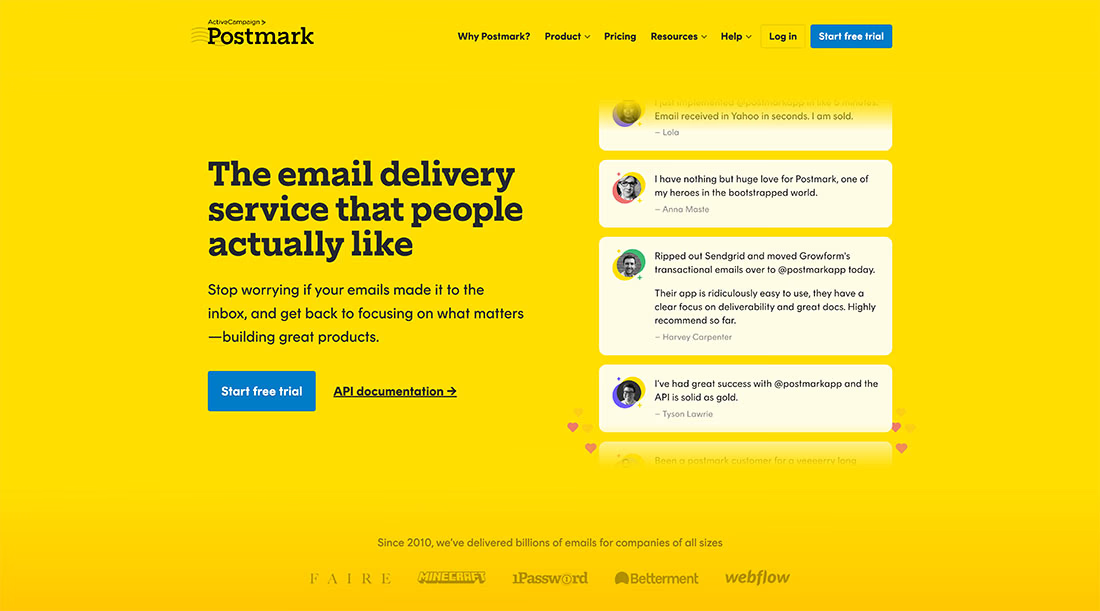
5. Postmark – Best for straightforward inbound webhook workflows
Postmark is a practical option for teams that want transactional email and simple inbound processing. Its MCP server is local, and its email platform is focused on sending, templates, diagnostics, bounces, suppressions, message events, and webhooks. The most useful part for AI workflows is inbound email parsing: incoming messages can be turned into structured webhook events your application can react to.
Key strengths
- Straightforward transactional email API and SMTP support.
- Official local MCP server for sending, templates, diagnostics, bounces, suppressions, stats, and webhooks.
- Inbound email parsing turns messages into JSON webhook payloads.
- Separate server tokens can isolate access by application/server.
Limitations
- Inbound webhooks are not agent‑owned inboxes with native conversation ownership.
- MCP is local/open-source rather than a hosted remote connector.
- Broader SaaS workflows are more limited than Sidemail's all-in-one scope.
Pricing
Postmark has a free testing tier with 100 emails per month. Basic plan starts at $15/month for 10,000 emails, Pro at $16.50/month adds inbound email processing, and Platform starts at $18/month with inbound processing and broader account capacity.
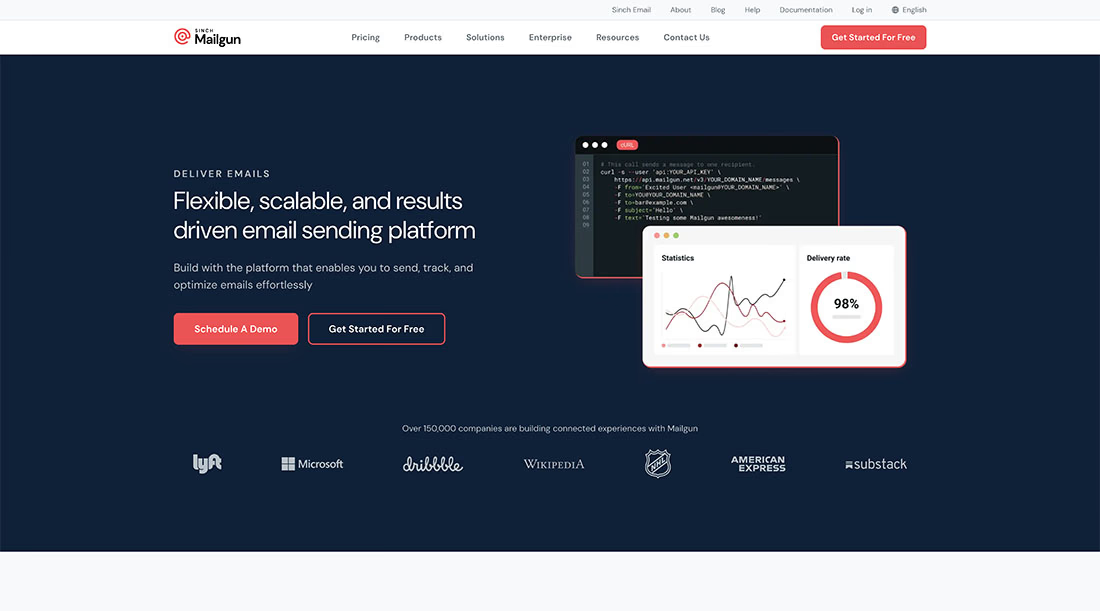
6. Mailgun – Best for advanced routing and traditional email infrastructure controls
Mailgun is a better fit for teams that want more control over the email infrastructure itself. Its MCP server runs locally and gives access to tools around sending, domains, webhooks, routes, templates, analytics, suppressions, IP pools, bounce classification, validation, and account limits. The main reason to choose Mailgun is not simplicity, but infrastructure depth: routing rules, validation, logs, suppressions, and delivery controls.
Key strengths
- Advanced inbound routing through route expressions and actions.
- RESTful Email API, SMTP relay, domains, webhooks, logs, analytics, suppressions, templates, and IP pools.
- Email validation API with syntax, disposable-address, role-address, and typo response fields.
- Mature controls for teams that want more infrastructure knobs.
Limitations
- Local MCP only, so setup is less convenient than hosted MCP options.
- More operational surface area than many product teams need.
- Routes and temporary storage are not an agent‑owned mailbox model.
Pricing
Mailgun has a free plan with 100 emails per day. Basic starts at $15/month for 10,000 emails, Foundation is $35/month for 50,000 emails, and Scale is $90/month for 100,000 emails, with different limits for logs, message retention, validations, support, and dedicated IP pools.
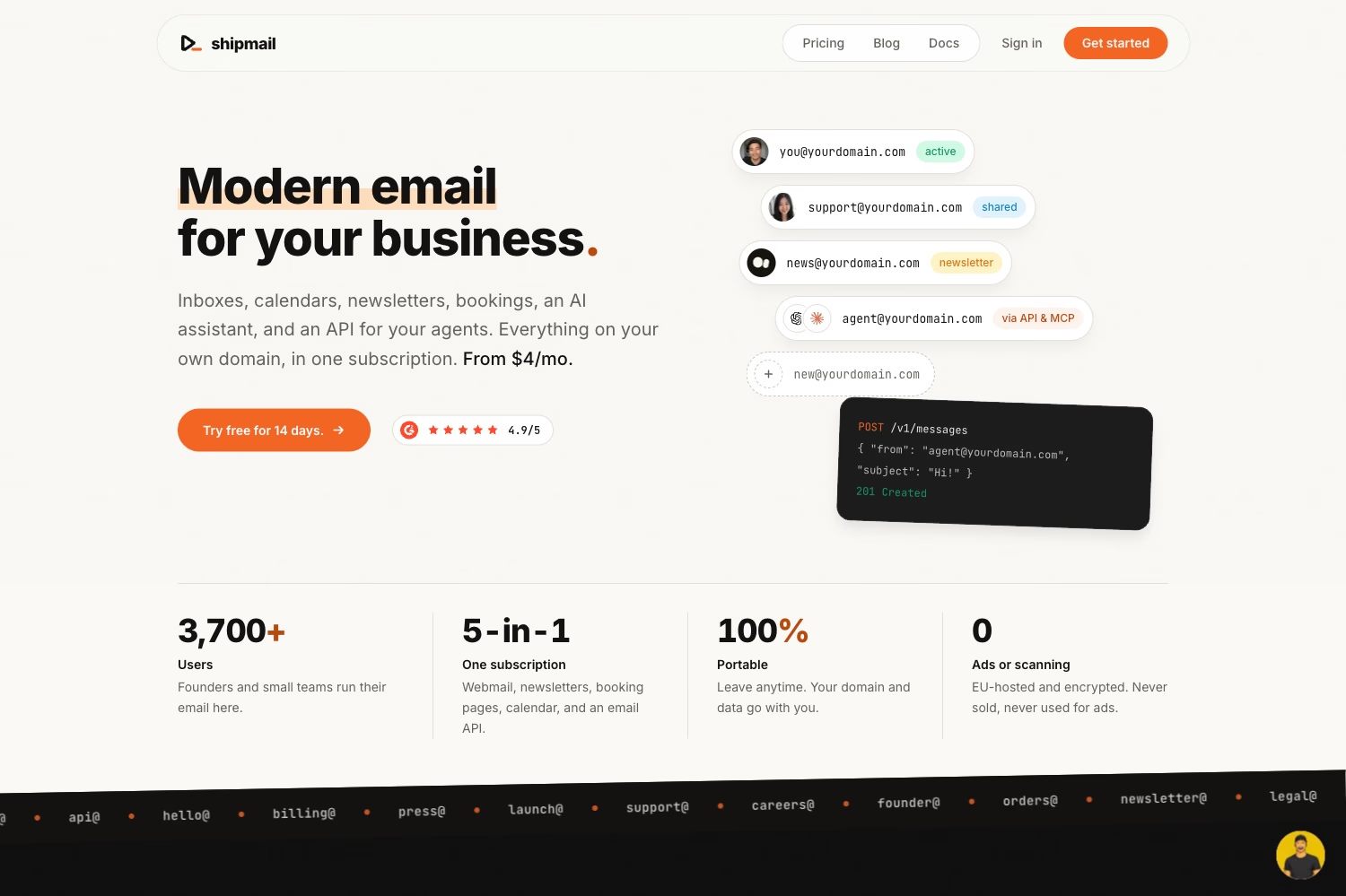
7. Shipmail – Best lightweight dedicated agent-mailbox option
Shipmail is a lightweight option when an agent needs a custom-domain mailbox that can also be managed like a normal business inbox. It supports hosted and local MCP, REST API access, webhooks, IMAP/SMTP, dashboard access, mailbox creation, sending, receiving, and thread replies.
Key strengths
- Custom-domain mailboxes with send, receive, threads, REST API, webhooks, dashboard access, IMAP, SMTP, and MCP.
- Hosted and local MCP options with OAuth or scoped API-key authentication.
- Webhook verification uses HMAC-SHA256 signatures and event IDs for deduplication.
- Low entry pricing for lightweight agent identities.
Limitations
- Lighter than AgentMail for large autonomous-agent inbox fleets.
- Not primarily a transactional and lifecycle email platform for online products.
- Less suitable when the agent must work inside existing Gmail or Outlook.
Pricing
Shipmail starts at $4/month for 2 mailboxes, 15 GB storage per mailbox, and 20,000 email sends per month. Pro is $9/month for 4 mailboxes, and Team is $29/month for 12 mailboxes. Every plan includes API, SDK, CLI, MCP, IMAP/SMTP, webhooks, newsletters, calendars, contacts, shared inboxes, and transactional email.
Which provider should you choose?
- Best overall email MCP server: Sidemail, because MCP sits on top of API, SMTP, templates, contacts, domains, webhooks, newsletters, automation, forms, and logs.
- Best email API for AI agents: Sidemail, especially for AI-generated reports, alerts, onboarding, auth, and lifecycle communication from your product.
- Best for agent‑owned inboxes: AgentMail, when the agent needs its own durable inbox, threads, drafts, attachments, and event-driven replies.
- Best for existing Gmail or Outlook: Nylas, when the agent needs OAuth-based access to a user's current mailbox, history, drafts, search, and replies.
- Best developer-first AI email platform: Sidemail, because developers get MCP for agent-assisted setup and REST API or SMTP for production sends.
- Best for transactional plus broader product emails: Sidemail, because it covers transactional email, product updates, newsletters, automation, forms, contacts, and projects together.
- Best for inbound webhook workflows: Postmark, when incoming messages should be parsed into JSON and sent to your application webhook.
- Best for advanced routing: Mailgun, when your team needs route expressions, domain controls, validation, logs, suppressions, and IP-level options.
- Best lightweight dedicated mailbox: Shipmail, when an agent needs a low-cost custom-domain mailbox with REST, webhooks, IMAP/SMTP, dashboard access, and MCP.
MCP vs API vs webhooks
MCP lets an AI model discover and invoke approved tools. It is useful when an agent in Claude, Cursor, Codex, VS Code, or another MCP client needs controlled access to email actions.
A REST API lets deterministic application code interact with the email platform. Use it for production sends, template calls, customer logic, database-backed workflows, retries, and state management.
Webhooks deliver asynchronous events such as incoming email, delivery, bounce, complaint, open, click, reply, or domain-verification changes.
Webhook triggers an event, application code manages deterministic state through an API, and MCP gives the AI agent controlled access to selected tools. MCP does not replace the underlying email API; it gives AI models a standardized way to invoke selected capabilities from that platform.
FAQ
What is the best email MCP server for AI agents?
Sidemail is the best overall email MCP server for developers building AI-powered SaaS products. It combines MCP-based agent access with REST API, SMTP, templates, contacts, domains, webhooks, transactional email, newsletters, automation, and product-email workflows. AgentMail is better for agent‑owned inboxes. Nylas is better for existing Gmail or Outlook access.
What is an email MCP server?
An email MCP server is a tool server that lets an AI client call approved email actions through Model Context Protocol. Depending on the provider, those actions may include sending, reading, searching, managing contacts, checking domains, creating drafts, querying logs, or configuring webhooks.
What is the best email API for AI agents?
Sidemail is the best email API for AI agents when the agent is part of a SaaS product and needs to trigger application email. It fits AI-generated reports, summaries, alerts, onboarding, authentication, billing notices, lifecycle messages, and product updates. Use AgentMail or Shipmail when the agent needs its own inbox.
Does MCP replace an email API?
Usually no. MCP gives an AI model a standardized way to invoke selected tools, but the underlying email platform still handles delivery, queuing, authentication, DNS, bounces, suppressions, storage, webhooks, rate limits, and logs.
Can an AI agent have its own email address?
Yes. An AI agent can have its own email address through an agent‑owned inbox architecture. AgentMail, Shipmail, and Nylas Agent Accounts support dedicated agent identities in different ways. This is useful when the agent needs persistent conversations, replies, threads, and a sender identity separate from any human user.
How can an AI agent access Gmail or Outlook?
An AI agent should access Gmail or Outlook through a scoped OAuth-based mailbox integration. Nylas is the strongest option in this comparison because it abstracts Gmail, Google Workspace, Outlook.com, Microsoft 365, Exchange, and IMAP behind one API and MCP layer. Avoid handing an agent broad raw mailbox credentials.
Is it safe to let an AI agent read email?
It can be safe only with strict boundaries. The agent should have minimum necessary permissions, limited tools, restricted recipients, verified webhooks, safe attachment handling, audit logs, and human approval for sensitive sends.
👉 Try Sidemail today
Dealing with emails and choosing the right email service is not easy. We will help you to simplify it. Create your account now and start sending your emails in under 30 minutes.