White-label email sending API
Send emails from your customers' brands
Build white-label email sending into your product. With Sidemail, every customer, tenant, or user in your app can get their own sending identity, API key, email design, and reputation limits while you keep templates, delivery, logs, and deliverability in your one simple account.
POST https://api.sidemail.io/v1/project
Authorization: Bearer {parent_api_key}
Content-Type: application/json

{
  "name": "Acme",
  "bounceRateLimit": 7,
  "complaintRateLimit": 0.1
}
{
"created": {
"id": "65d75fea9cca1727dc110e1b",
"apiKey": "{linked_project_api_key}",
"bounceRateLimit": 7,
"complaintRateLimit": 0.1
}
}One project for each tenant
Send from verified customer domains
Separate API keys & health limits
Customer-specific branding, logos, colors, fonts
Reuse parent templates across every brand
How it works
Create a linked project for each customer
When a customer, tenant, or user enables branded emails in your app, create a linked project from your parent Sidemail project. Sidemail returns an API key for that linked project, which you store safely and use for that customer's email sending.
POST https://api.sidemail.io/v1/project
Customize the email design
Update the linked project with the customer's logo, font, colors, dark mode setting, unsubscribe text, and content for email footers.
PATCH https://api.sidemail.io/v1/project
Send through the linked project's API key
Use the linked project's API key to send with a parent template ID, markdown, plain text, or custom HTML. The parent project keeps the shared templates while the linked project applies the customer-specific identity and design.
POST https://api.sidemail.io/v1/email/send
Example integration
Create, brand, and send through a customer identity
Create the linked project when branded sending is enabled, apply the customer's email design, then send a parent template through that customer's API key.
await fetch("https://api.sidemail.io/v1/project", {
  method: "POST",
  headers: {
    "Authorization": `Bearer ${process.env.SIDEMAIL_PARENT_API_KEY}`,
    "Content-Type": "application/json"
  },
  body: JSON.stringify({
    name: "Acme",
    bounceRateLimit: 7,
    complaintRateLimit: 0.1
  })
});

// Store the returned apiKey on your customer record.
Key features & perks
Multi-tenant email sending API
One email sending identity for each customer
Give every tenant its own email identity inside your product. This fits B2B SaaS apps, marketplaces, franchises, and platforms where users expect email to come from the brand they know.
- Separate linked project per customer / tenant
- Customer-specific API key
- Clear project overview in the Sidemail dashboard
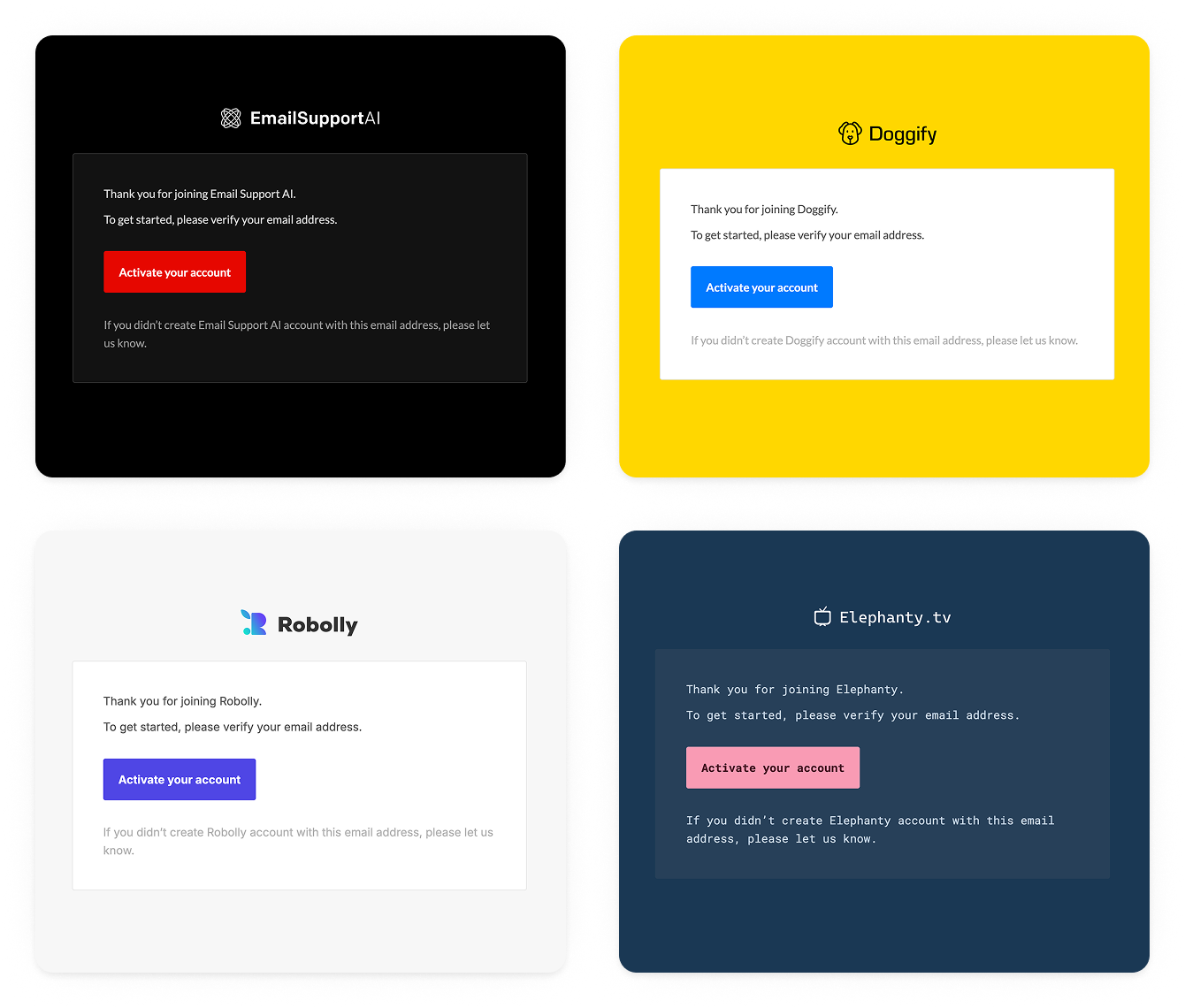
Customer-branded email design
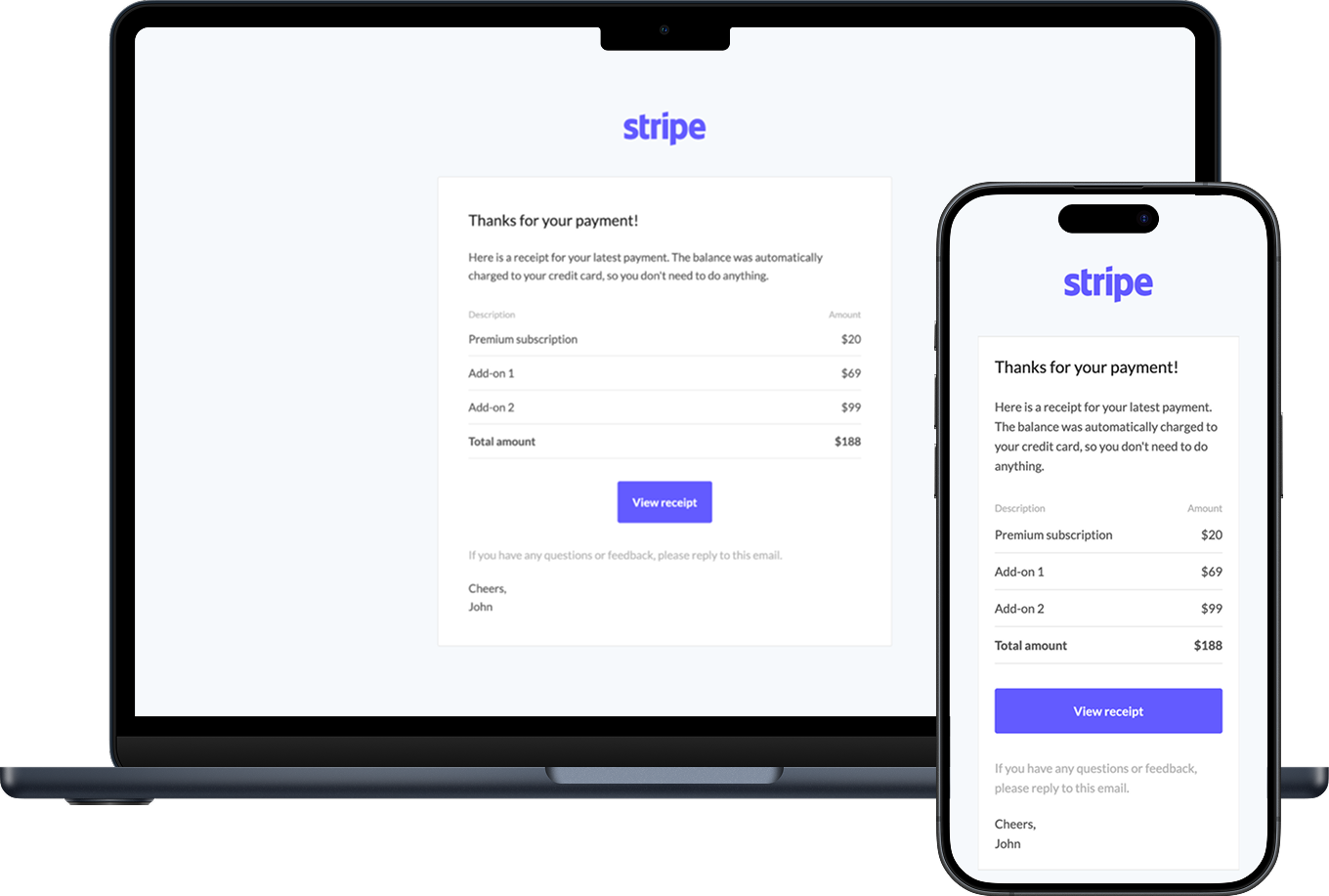
Use the API to set each linked project's logo, colors, fonts, unsubscribe text, and email footers content. Sidemail applies that design automatically to templates and markdown emails.
- Add customer logo
- Customize colors and highlight color
- Select fonts and fallback fonts
- Enable dark mode
- Localize unsubscribe and footer text
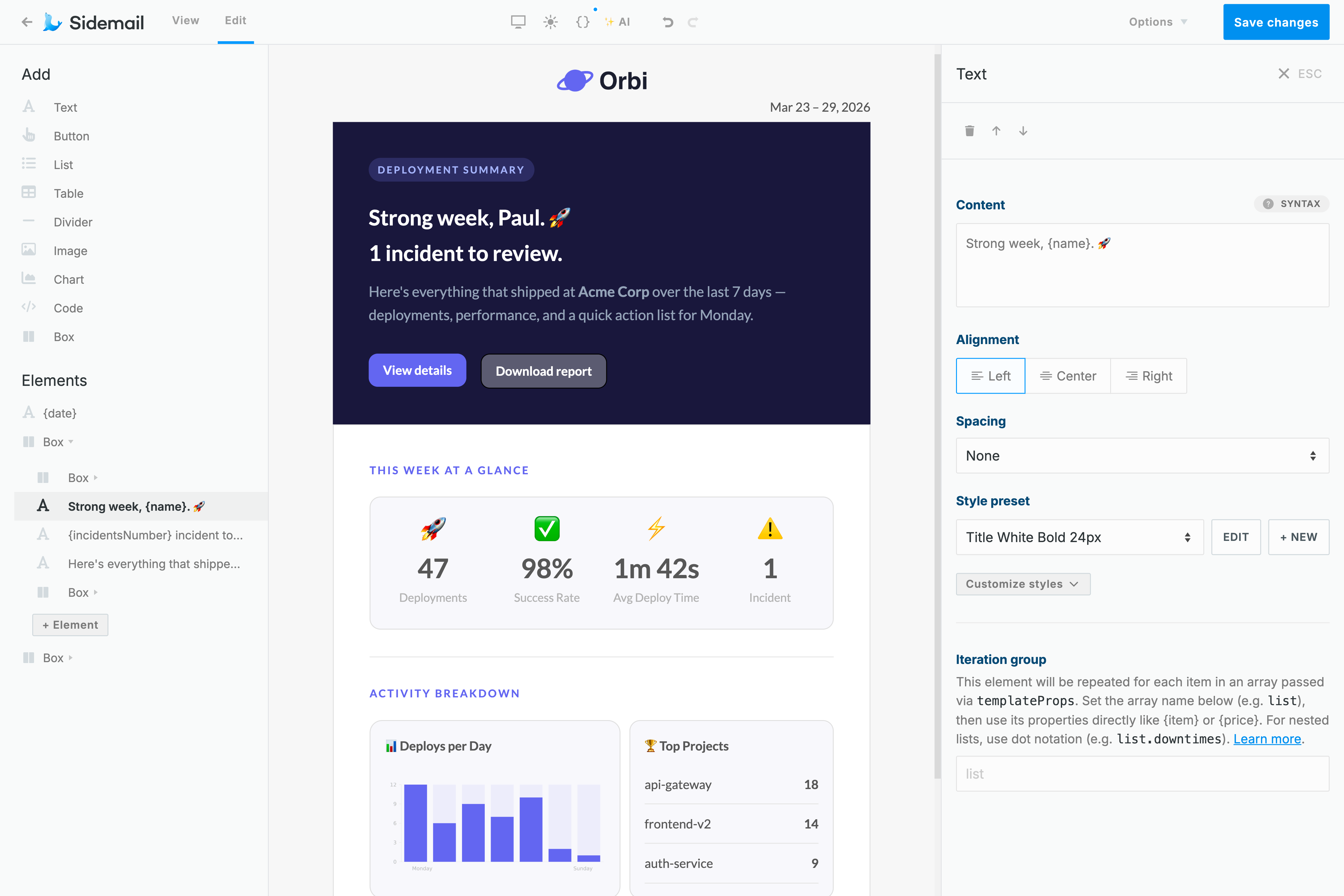

Shared templates, many brands
Keep one clean template library in your parent Sidemail project and reuse it across linked projects by templateId.
- No messy template duplication
- No customer-specific HTML forks
- One operational template library for your whole product
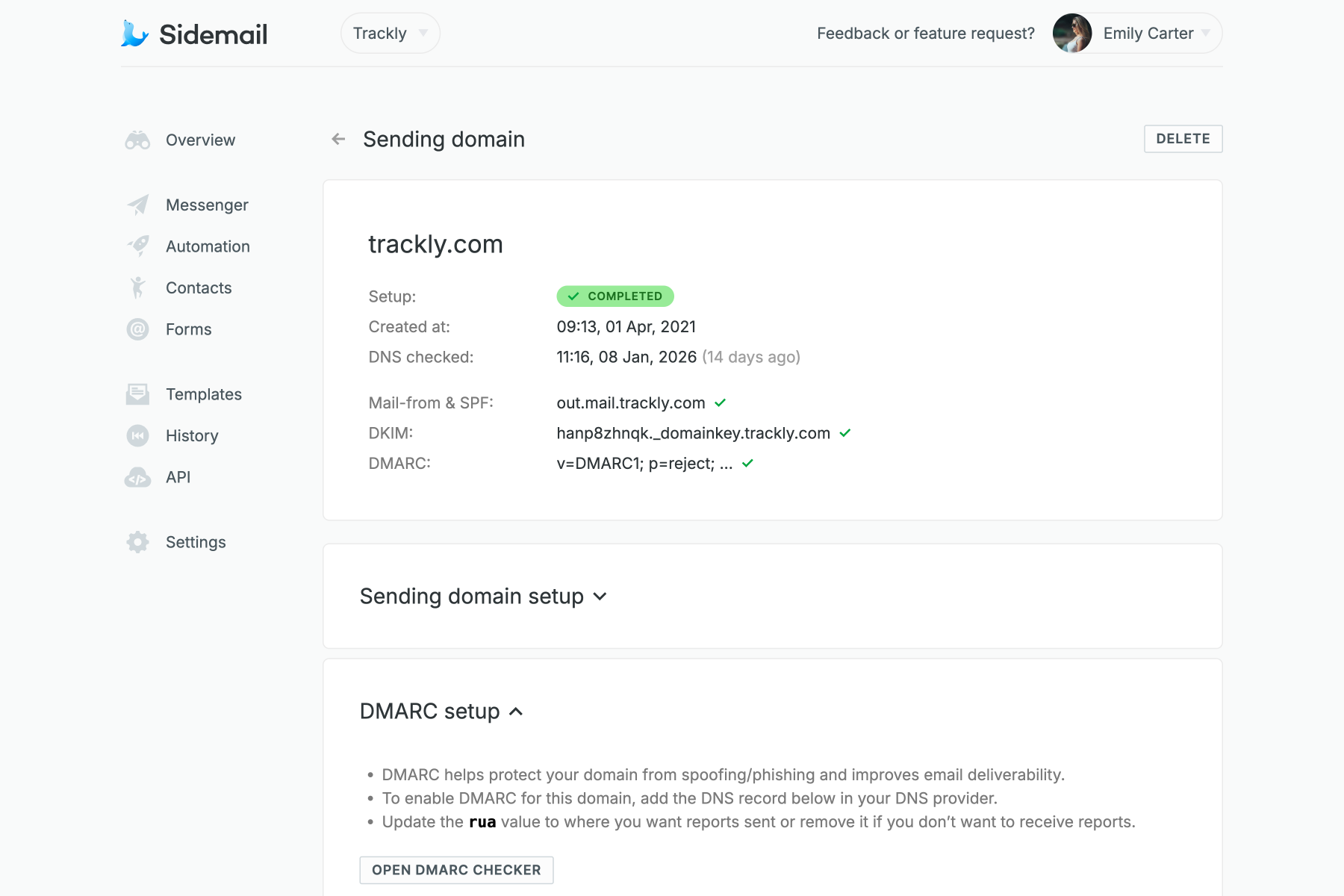
Send from customer domains
Use verified sending domains so emails come from the right brand and domain. Sidemail gives you the DNS records needed to verify a domain, including DKIM and custom MAIL FROM setup.
- Add, list, and remove domains through the Domains API
- Inspect verification status programmatically
- Guide customers through domain verification in your own app
Tenant-level reputation controls
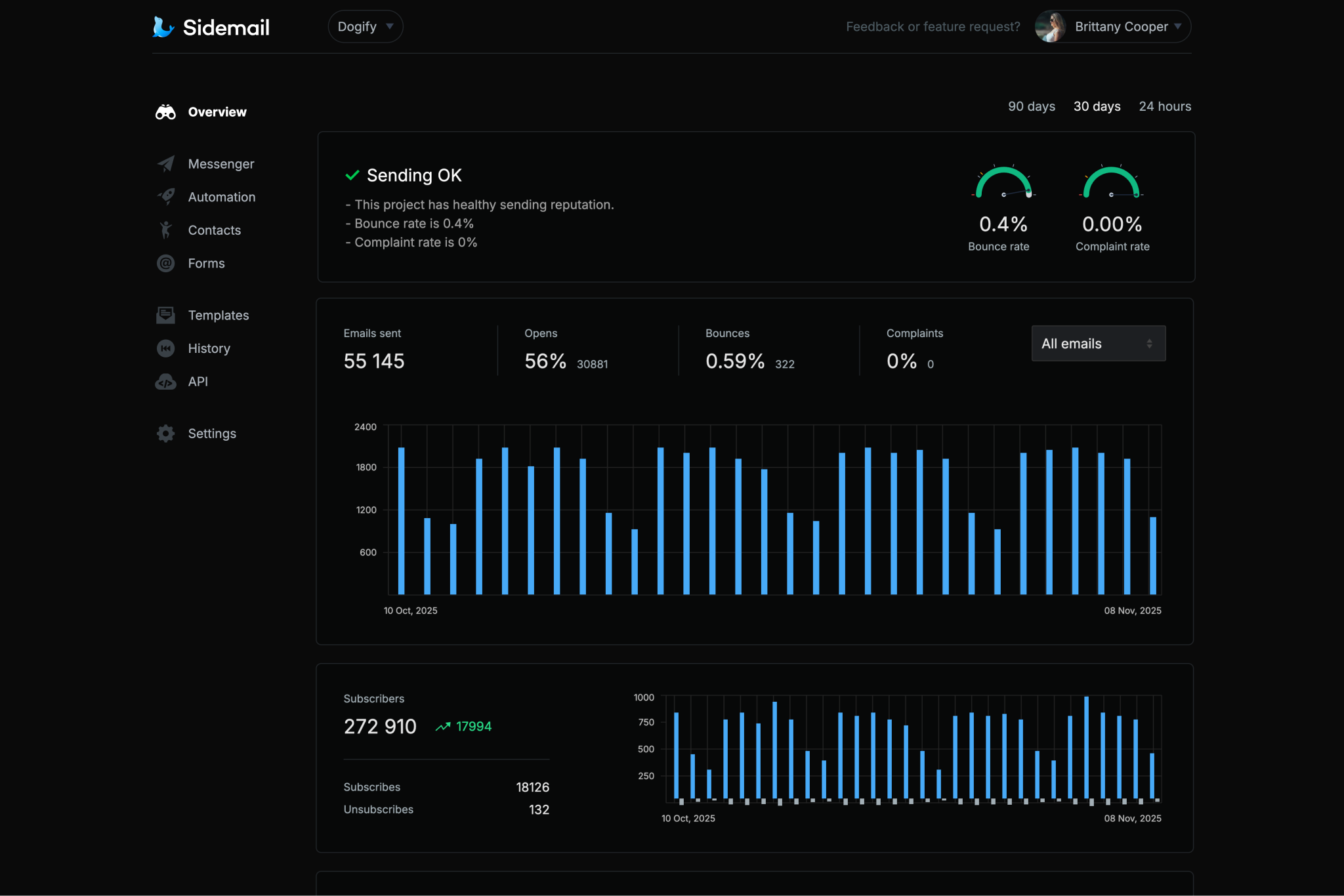
White-label sending should not let one customer's mistake create chaos for everyone else. Each linked project has their own sender reputation, keeping the limits and sending separate.
- Bounce-rate limit per linked project
- Complaint-rate limit per linked project
- Pause or re-enable linked project sending
- Organization-level health limits still apply globally
Use cases
Perfect for
White-label sending fits products where emails need to look and behave like they belong to each customer, tenant, or workspace.
- B2B SaaS platforms sending workspace-branded notifications
- Marketplaces sending booking, payment, receipt, and status emails for sellers
- CRMs and helpdesks sending messages from customer brands
- No-code and app-builder platforms adding production-ready email
- Agency portals sending white-label reports and alerts
- Authentication, billing, and membership products sending on behalf of many apps
- Franchise and multi-location businesses with many local sender identities
- Developer platforms that need tenant-specific API keys and email logs
More developer-focused features you will enjoy
Simple JSON API
Create linked projects, send emails, manage domains, and query email history through clear API methods.Works with Sidemail templates
Use no-code templates, dynamic template props, markdown emails, plain text, or custom HTML depending on your needs.Unlimited sending history and logs
Review sent emails, request details, delivery status, previews, and events in the Sidemail dashboard.Webhooks for product workflows
Listen for deliveries, bounces, opens, complaints, inbound emails, and domain verification changes.Built-in compliance details
Customize unsubscribe text and footer copy per linked project, and keep transactional and promotional email details clear.Support by real engineers
When email gets tricky, talk to people who understand the API, the infrastructure, and the inbox.
Ready to add white-label email sending to your product?
Create branded sending identities for every customer, tenant, or user in your app without building email infrastructure yourself.
Create free accountWhite-label sending FAQs
What is white-label email sending?
White-label email sending means your product can send emails on behalf of your customers or tenants using their brand identity. The email can use the customer's sender name, sending domain, logo, colors, and footer copy instead of looking like it came from your platform or email provider.
Is Sidemail a white-label email API?
Yes. Sidemail supports white-label email sending through Linked Projects. Your app can create a linked project for each customer, tenant, or user, customize the brand design, and send through that linked project's API key.
What are Sidemail Linked Projects?
Linked Projects are Sidemail's API-based way to create separate sending identities under a parent project. They are designed for white-label sending when your application needs one identity per customer, tenant, or user.
Can each customer use their own sending domain?
Yes, you can send from verified sending domains. Sidemail provides DNS records for domain verification, including DKIM and custom MAIL FROM setup, and exposes domain verification status through the Domains API.
Do I need to duplicate templates for every customer?
No. Linked projects can access templates from the parent project by template ID. You can maintain one template and send it through different linked projects so each customer gets its own branding.
Can I customize each customer's email design?
Yes. You can customize each linked project's logo, colors, fonts, dark mode setting, unsubscribe text, and transactional or promotional footer text.
What happens if one customer has poor email quality?
Each linked project has its own bounce and complaint limits. You can also pause sending for an individual linked project while your organization-level health limits still apply globally.
Does this work for transactional emails?
Yes. White-label sending is especially useful for transactional emails like password resets, login links, invites, receipts, billing notices, reports, account alerts, and product notifications.
Can I send markdown emails through white-label projects?
Yes. You can send markdown through the Sidemail API, and Sidemail turns it into branded responsive HTML using the linked project's design.
Is this the same as white-label email hosting?
No. White-label email hosting usually means giving customers mailboxes, inboxes, webmail, IMAP, or business email accounts. Sidemail white-label sending is for product emails sent by your application, such as transactional emails, customer notifications, reports, receipts, and marketing messages.