
Resend is a popular developer-focused email platform, but it is not the best fit for every SaaS team. Choosing the right provider can give you more control over your email workflows, costs, and customer engagement. This guide compares the best Resend alternatives for SaaS in 2026, with a focus on ease of integration, deliverability, automation features, scalability, and overall value.
TL;DR: Best Resend alternatives
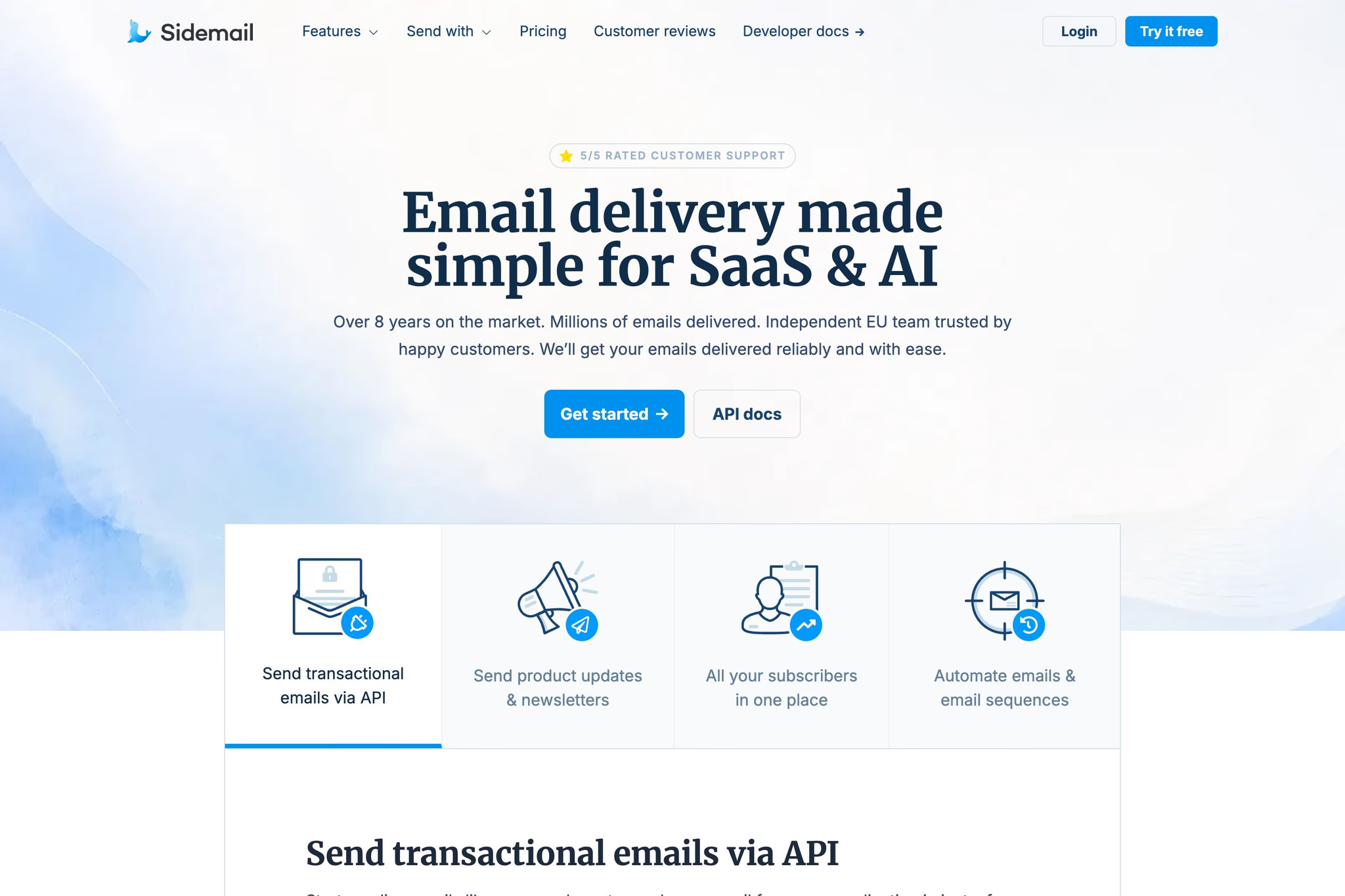
- Sidemail – Best overall for SaaS: Sidemail is the simplest and fastest choice to start sending transactional emails, newsletters, automations, manage templates, contact profiles, subscribe forms, analytics, set up inbound emails and white-label sending and more. Sidemail is an all-in-one email platform, delivering emails reliably over more than 8 years. It's GDPR-compliant with EU based team.
- Mailgun – Great for advanced email infrastructure and inbound routing: Mailgun fits teams that need APIs, SMTP, inbound routes, webhooks, validations, IP pools, and deeper infrastructure controls.
- Postmark – Strong transactional-focused option: Postmark is a clean choice for product teams that mostly need application email, logs, SMTP, API, and inbound processing.
- Amazon SES – Best for low raw infrastructure cost: Amazon SES is the cheapest raw sending layer, but teams usually need to build or buy templates, analytics, workflows, support, and deliverability tooling around it.
- SendGrid – Great for enterprise scale and integrations: Twilio SendGrid is suited to larger teams that want a mature email API, many integrations, enterprise controls, and separate marketing campaign products.
- Plunk – Open-source alternative: Plunk is an AGPL-licensed, self-hostable email platform with transactional email, campaigns, workflows, contacts, and pay-as-you-go hosted pricing.
- MailerSend – Good for visually building transactional emails: MailerSend gives developers API and SMTP access while letting non-developers collaborate on transactional templates with visual builders.
- Mailchimp Transactional – Easy choice for existing Mailchimp customers: Mailchimp Transactional, formerly Mandrill, makes the most sense when your marketing stack already runs on Mailchimp Standard or Premium.
The main criteria for evaluating Resend alternatives
- Transactional email reliability: Whether the provider is suitable for password resets, email verification, magic links, receipts, subscription reminders, and alerts.
- Developer experience: API design, SDKs, SMTP support, documentation, webhooks, and migration effort.
- API and SMTP support: Whether teams can integrate through a modern API, SMTP relay, or both.
- Templates and editing: Whether teams can reuse templates, edit without code, send Markdown, send HTML, or send plain text.
- Marketing email and automation: Whether newsletters, product updates, drip sequences, and lifecycle messaging are built in or require another product.
- Analytics and retention: How much sending history, logs, event data, and troubleshooting context are available by default.
- Customer support: Whether support is personal, self-serve, ticket-based, enterprise-only, or bundled into the plan.
- Pricing and scalability: Starting price, free plan or trial, overage model, dedicated IP cost, and operational complexity.
- SaaS suitability: Fit for founders, developers, CTOs, and product teams running SaaS, AI products, memberships, marketplaces, and online services.
About Resend
Resend is a developer-focused email platform that now covers both transactional and some broader customer-email workflows. It is popular amongs teams that care about modern DX, simple APIs, React Email compatibility, and fast setup, but do not necessarily need the deepest all-in-one SaaS email layer.

Key features
- RESTful email API, SMTP relay, official SDKs, scheduled email, batch sending, open tracking, link tracking, and React Email support.
- Broadcasts for newsletters, product launches, promotions, investor updates, and changelogs.
- Custom-event Automations for welcome emails, drip campaigns, payment recovery, abandoned cart, and trial expiration.
- Inbound email allowances on public plans.
- Security features such as GDPR compliance, SOC 2 Type II, MFA, API key permissions, and signed webhooks.
👍 Resend Pros
- Clean API and developer documentation.
- SMTP and API both supported.
- Broadcasts, contacts, templates, automations, and inbound are now part of the product.
- Free entry point is good for testing or smaller apps.
👎 Resend Cons
- Transactional pricing and marketing pricing are separate, which increases the prices and matters if you want one truly simple bill across use cases.
- Resend does not have its own independent sending infrastructure. It uses Amazon SES underneath.
- Data retention is 30 days on Free, Pro, and Scale, only Enterprise plans can offer more.
- Non-technical teams usually prefer alternatives with deeper no-code workflows or subscriber-management depth.
- Support level depends on plan
Resend Pricing
Resend Free is $0/month for 3,000 emails per month and 100 emails per day. Pro starts at $20/month for 50,000 emails with $0.90 per 1,000 extra emails. Scale starts at $90/month for 100,000 emails with Slack and ticket support, 1,000 domains, and dedicated IP add-on eligibility. Automation overage is $0.0015 per run beyond the included 10,000 runs.
1. Sidemail
Best for: Product teams that want reliable transactional email delivery, newsletters, templates, contacts, and automation in one product.
Sidemail is the best overall Resend alternative for SaaS teams that want one service for the whole customer-email layer, not just the sending pipe.
Sidemail combines transactional email, newsletters, email automation, reusable templates, contact profiles, subscribe forms, analytics, webhooks, and team/project tooling in one product built specifically for SaaS and online products.
The company is GDPR-compliant, and founder-led, with a team based in the EU.
Key features
- Transactional email through email API and SMTP relay
- Product updates and newsletters through Messenger
- Automated email sequences triggered by events such as user sign-up.
- Contact profiles, subscriber management, CSV import, and subscribe forms
- No-code email editor, reusable templates, dark-mode support, template props, and premade transactional templates.
- Markdown emails, HTML, and plain-text sending through the API.
- Email inbound
- Whitelabel email sending
- Multiple projects, team access, sending history, analytics, suppression handling, domain verification, DKIM, webhooks, Stripe integration, and adjustable sending limits.
👍 Sidemail Pros
- One product that cover transactional emails, product updates, newsletters, and lifecycle automation without forcing a second marketing subscription.
- Fast and reliable email delivery
- Quick integration, simple instructions, intuitive UI. The whole process takes about 30 minutes.
- Sidemail includes SaaS-friendly extras that smaller teams genuinely use, such as contact profiles, subscribe forms, reusable templates, project separation, and Stripe-related functionality.
- Pricing is all-inclusive. The starting plan is $19/month monthly or $14/month annually.
- GDPR compliant
- Personal care and pro-customer approach. Sidemail is an independent company with a strong background and a flexible team, which enables us to adapt quickly to new trends and offer a truly individual approach.
- 5-star rated support, from real humans, specialists in email industry
👎 Sidemail Cons
- Sidemail does not currently have a free plan. It offers a free trial instead.
- Sidemail is best aligned with SaaS and product companies, not with every non-SaaS enterprise marketing organization. If you need a massive enterprise ecosystem, hundreds of native integrations, or hyperscale infrastructure options, bigger vendors may fit better.
- Sidemail does not have the same large integration ecosystem or hyperscale infrastructure menu as providers such as Amazon SES, SendGrid, or Mailgun.
Sidemail Pricing
Sidemail’s all-inclusive plan starts at $19/month when paid monthly, or $14/month on annual billing, for up to 1,000 emails per month. Sidemail offers a 7-day free trial and says no credit card is required to start the trial.
2. Mailgun
Best for: Mailgun is best for advanced email infrastructure and inbound routing.
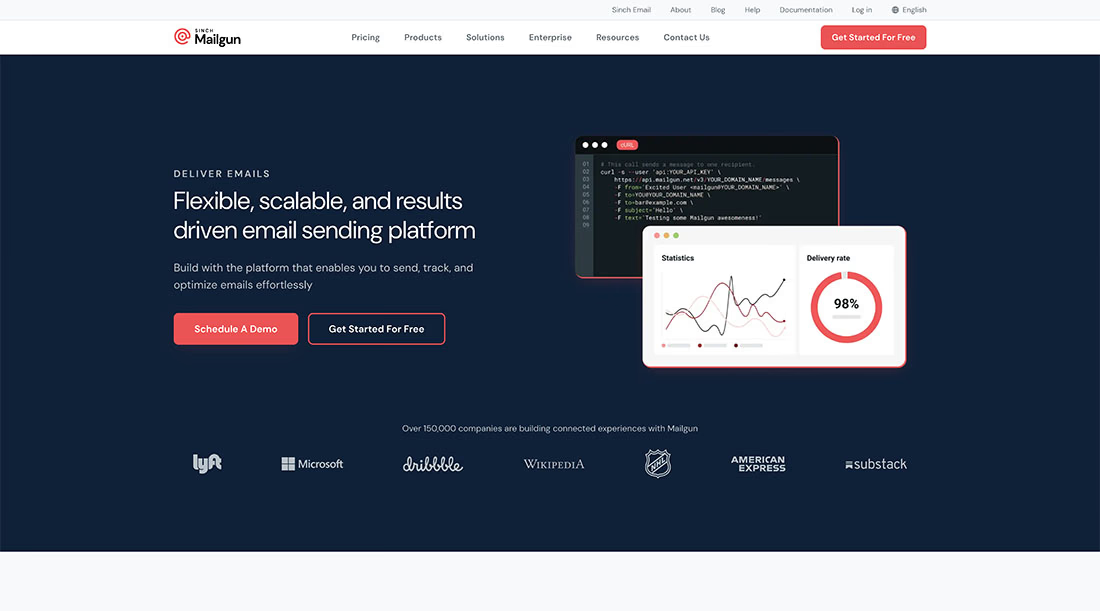
Mailgun is a strong Resend alternative for teams that want more email infrastructure controls. Mailgun supports RESTful APIs, SMTP, tracking, analytics, webhooks, templates, inbound routing, validations, suppressions, authentication features, and dedicated IP options.
Mailgun is included because it still fits teams with more complex operational email needs, especially inbound email parsing and routing.
On the other hand, Mailgun is less attractive for SaaS teams that want a simple all-in-one workspace for transactional email, newsletters, automation, and contact management.
Key features
- RESTful email APIs and SMTP relay.
- Send and receive email in US and EU regions.
- Account and domain templates.
- Inbound routes, forwarding, analytics, webhooks, and IP pools.
👍 Mailgun Pros
- Strong fit for developer teams that want infrastructure flexibility.
- Good inbound email functionality
- Free plan includes 100 emails per day, one custom sending domain, tracking, analytics, webhooks, one inbound route, and ticket support.
👎 Mailgun Cons
- Basic and Free plans have only one day of log retention.
- Mailgun is more infrastructure-oriented than SaaS-workflow-oriented.
- Template builder is not included on the lowest paid Basic plan.
- For email marketing and automation features, teams need to purchase a separate product.
Mailgun Pricing
Mailgun Free includes 100 emails per day. Basic starts at $15/month for 10,000 emails, with overage from $1.80 per 1,000. Foundation starts at $35/month after a free first month for 50,000 emails. Scale starts at $90/month after a free first month for 100,000 emails.
3. Postmark
Best for: Teams that care most about transactional email and do not need a broader marketing suite.
Postmark remains one of the clearest alternatives to Resend when your priority is transactional email first and almost exclusively.
The product is build around API sending, SMTP, message streams, templates, analytics, and inbound processing rather than broad marketing automation. That narrower scope is a strength for teams that want a focused service for password resets, login links, receipts, alerts, and other high-importance transactional messages.

Key features
- Email API and SMTP service.
- Message streams, email templates, analytics, and inbound email.
- Free developer plan with 100 emails per month.
- 45-day data retention on Basic and longer/customizable retention on higher plans.
👍 Postmark Pros
- Clear transactional product scope.
- Free developer tier with 100 emails per month.
- Inbound processing is available on paid tiers beyond Basic.
- Dedicated IPs and custom retention are available as add-ons for teams that need them.
👎 Postmark Cons
- Postmark is not a full SaaS lifecycle email platform in the way for example Sidemail is.
- Not the best fit if you want one service for newsletters, lifecycle automation, and transactional flows together.
- No visual editor. Postmark does not have a visual editor for email templates.
- Not intuitive dashboard
- Support unavailable on weekends.
Postmark Pricing
Free plan: 100 emails/month. Basic: $15/month for 10,000 emails; Pro: $16.50/month for 10,000 emails; Platform: $18/month for 10,000 emails.
4. Amazon SES
Best for: Amazon SES is best for infrastructure-heavy teams seeking low raw sending costs.
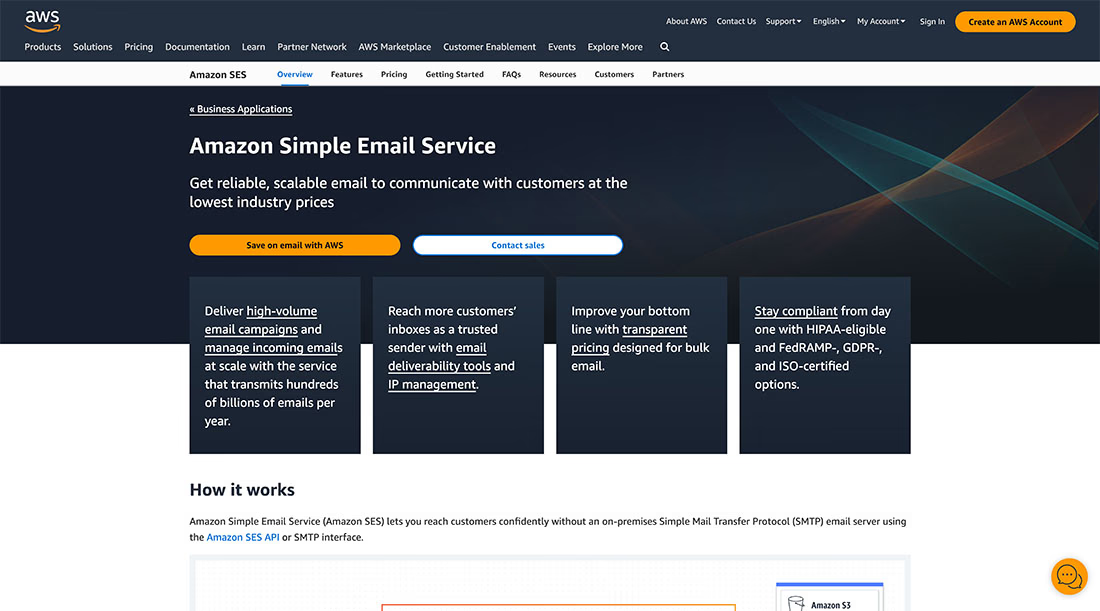
Amazon SES is the most obvious Resend alternative when your main goal is lower raw sending cost and you are comfortable building more of the product layer yourself.
Amazon SES is not really an all-in-one SaaS email platform. It is an AWS email infrastructure service. That difference matters because many SaaS teams need templates, design tools, lifecycle automation, contact management, deliverability monitoring, and human support on top of the raw sending layer.
Key features
- REST API and SMTP sending.
- Email receiving/inbound processing.
- Dedicated, shared, or owned IP options.
👍 Amazon SES Pros
- Lowest raw sending cost in this comparison.
- Fits well into AWS-heavy stacks and custom internal tooling.
- Supports both sending and receiving.
👎 Amazon SES Cons
- Requires more infrastructure work from your team than products like Sidemail, Brevo, or MailerSend.
- No native SaaS-friendly no-code editor, template workflow, newsletter tool, or lifecycle automation comparable to Sidemail.
- Total cost can increase once you include surrounding AWS services, monitoring, templates, support, engineering time, and deliverability tooling.
- Support is separate from the base sending price.
Amazon SES Pricing
Amazon SES charges $0.10 per 1,000 outbound emails, plus attachment data transfer at $0.12 per GB.
5. SendGrid
Best for: SendGrid is best for enterprise scale and a broad integration ecosystem.
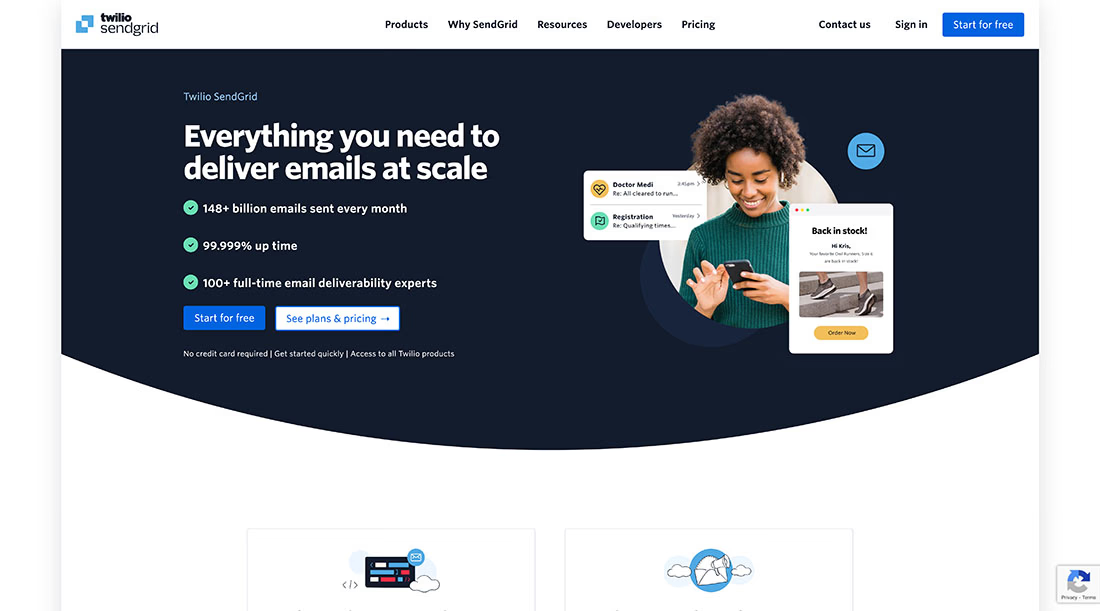
SendGrid is a major Resend competitor for teams that need enterprise scale, a large integration ecosystem, and mature email infrastructure.
SendGrid is included because many SaaS teams consider it by default when they grow into enterprise procurement, compliance, and integration needs.
Its tradeoff is complexity. Also, marketing campaigns and advanced automations are packaged separately from Email API pricing.
Key features
- REST API and SMTP relay.
- Security features including 2FA, TLS, SOC 2, GDPR, data residency options, and event webhook security.
- Dynamic transactional templates with Design Editor and Code Editor.
👍 SendGrid Pros
- Very mature platform with large-company credibility and scale.
- Strong documentation and broad feature surface.
- Good fit for organizations already using Twilio products.
👎 SendGrid Cons
- Email API and Marketing Campaigns are separate plans if you need both.
- Email Activity retention is limited unless you buy additional history.
- SendGrid can be more complex than newer developer-first tools.
- No free plan.
SendGrid Pricing
SendGrid Email API has a 60-day free trial with 100 emails per day. Essentials starts at $19.95/month. The Pro plan which includes more than 1 team member, 7 days of data history, and 1 dedicated IP starts at $89.95 per month. If you want to send marketing emails and set up email automation, you need to purchase a separate plan.
6. Plunk
Best for: Plunk is a good open-source alternative.
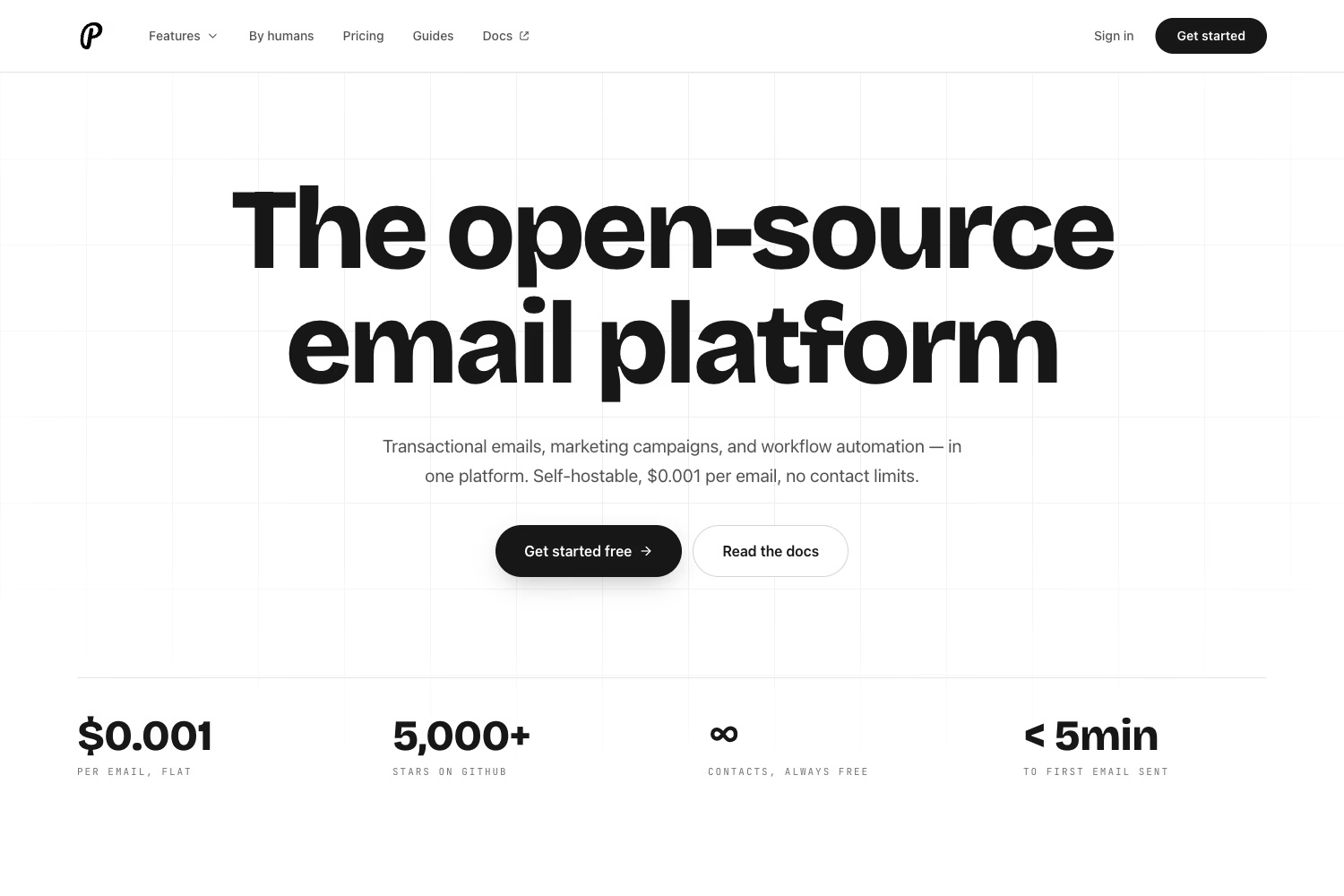
Plunk is an open-source Resend alternative for teams that want more ownership. It is an open-source email platform for transactional, marketing, and automation.
Plunk is included in this list of Resend alternatives because self-hosting and source availability are real requirements for some SaaS teams. A hosted proprietary email provider is simpler for most teams, but open-source control can matter for internal platforms or teams that simply prefer open-source solutions.
Key features
- Transactional emails, workflow automation, and campaign broadcasts.
- AGPL-3.0 licensing and self-hosting.
👍 Plunk Pros
- Open-source and self-hostable.
- Good conceptual fit for teams that want transactional and marketing email in one system.
👎 Plunk Cons
- Self-hosting means your team owns more operations, upgrades, and infrastructure.
- It is younger and less proven than older providers on this list.
- Teams that want hands-on SaaS email support may prefer a hosted SaaS-focused provider.
Plunk Pricing
Self-hosting is available, but your infrastructure costs depend on your own environment.
7. MailerSend
Best for: Teams that want a transactional service with stronger visual email creation.
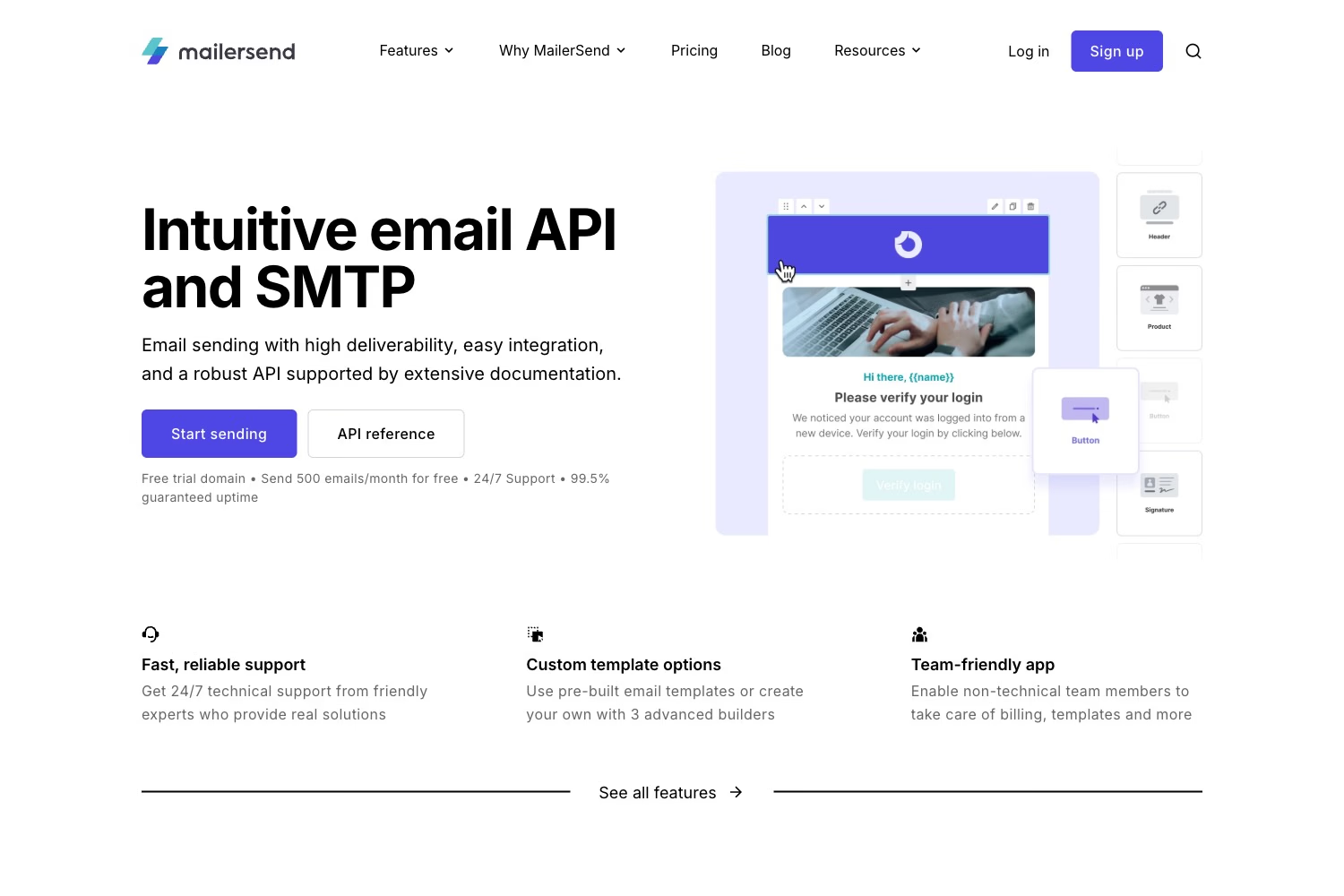
MailerSend is a practical Resend alternative for teams that want API and SMTP sending plus visual collaboration on transactional emails.
MailerSend is especially relevant when product managers, marketers, or founders need to update transactional email copy and layout without waiting on engineering.
On the other hand, it is less compelling if you need a full SaaS customer-email workspace with newsletters, subscribe forms, contact profiles, and lifecycle automation in one product.
Key features
- Transactional sending through API or SMTP relay.
- Drag-and-drop builder, HTML editor, rich-text editor, and templates.
- Team management and collaboration features.
👍 MailerSend Pros
- Strong visual workflow for transactional email templates.
- Free plan includes 500 emails per month and 100 emails per day.
👎 MailerSend Cons
- MailerSend is primarily a transactional platform, not a full SaaS email platform.
- Teams that want newsletters, email automations, subscribe forms, and SaaS contact management in one place may prefer other alternatives like Sidemail.
MailerSend Pricing
MailerSend Free includes 500 emails per month and a 100-email daily limit. Hobby costs $7/month, or $6.30/month annually, for 5,000 emails. Starter begins at $35/month for 50,000 emails – it is where most of the useful features begin, such as longer retention, domains, inbound routes, and support.
8. Mailchimp transactional
Best for: Mailchimp Transactional is best for existing Mailchimp customers.
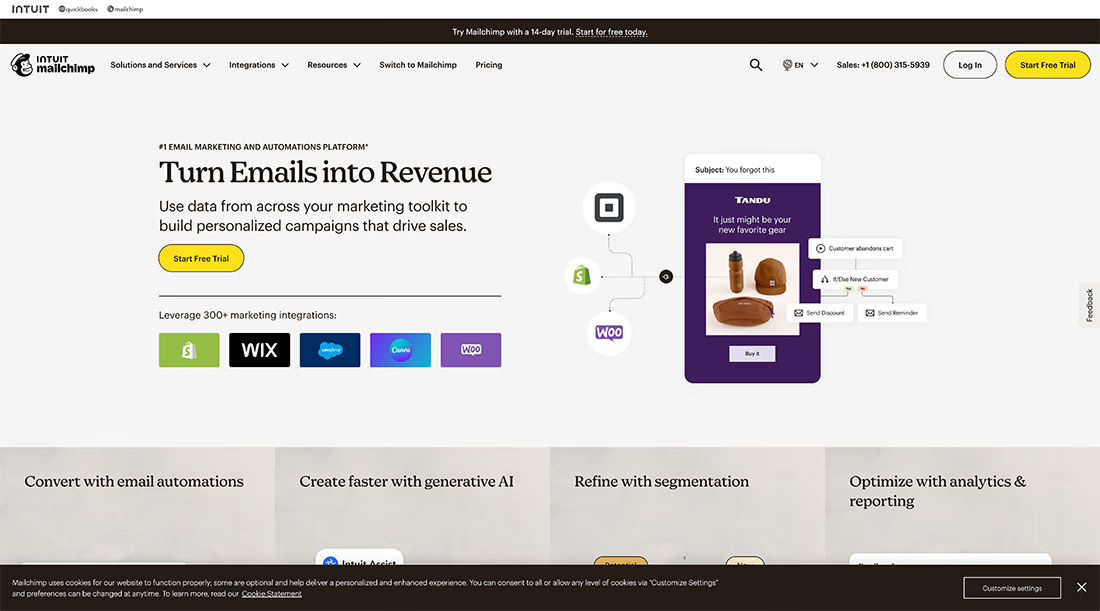
Mailchimp Transactional, formerly Mandrill, is a Resend alternative mainly for teams already committed to Mailchimp. It is a paid add-on to Standard or Premium Mailchimp marketing plans. It supports sending through API or SMTP, templates, webhooks, and inbound processing, but it does not store contact lists.
That means Mailchimp Transactional is best when you already live inside Mailchimp. Outside that scenario, it is not the best standalone choice for most teams, it also feels more constrained and more expensive than it first appears.
Key features
- Transactional sending via API or SMTP.
- Mailchimp email builder can be used for transactional templates.
👍 Mailchimp Transactional Pros
- Sensible if you already pay for Mailchimp’s marketing platform.
- Demo access is available before full paid enablement.
👎 Mailchimp Transactional Cons
- It is not a standalone transactional product. A paid Mailchimp Standard or Premium plan is required.
- Contact lists cannot be uploaded or stored in Mailchimp Transactional.
- Previous data breach issues.
- The most expensive email service on this list.
Mailchimp Transactional Pricing
Mailchimp Transactional is available only as an add-on to Mailchimp Standard or Premium plans. Pricing is sold in 25,000-email blocks: $20/block for 1–20 blocks, then lower per-block pricing at higher volume.
Choosing a Resend alternative
There is no universal best email provider for every organization. Resend remains a strong developer-focused option.
But the best Resend alternatives solve different problems.
For most SaaS teams that want one service for transactional email, newsletters, templates, contacts, subscribe forms, automation, analytics, and personal support, Sidemail is the best overall Resend alternative.
Mailgun is strong for advanced routing and email infrastructure. Postmark is a strong option when transactional email is the whole job. Amazon SES is hard to beat on raw infrastructure cost if your team is ready to build the missing product layer. SendGrid fits enterprise ecosystems. Plunk fits open-source requirements.
I hope this overview of the Resend alternatives gave you a clearer understanding of what is the right option for you. If you have questions or need help with your email delivery, feel free to reach us at [email protected].
👉 Try Sidemail today
Dealing with emails and choosing the right email service is not easy. We will help you to simplify it. Create your account now and start sending your emails in under 30 minutes.