SMTP relay
Send emails via SMTP
Send emails using standard SMTP, backed by Sidemail’s reliable delivery and simple setup. Perfect for legacy systems, WordPress plugins, and any other SMTP-capable apps.
SMTP relay example
Javascript · HTML email
const nodemailer = require("nodemailer");

const transporter = nodemailer.createTransport({
	host: "mx.sidemail.net",
	port: 587,
	secure: false,
	auth: {
		user: "api",
		pass: "your-api-key"
	}
});

await transporter.sendMail({
	from: "[email protected]",
	to: "[email protected]",
	subject: "Hello!",
	text: "This is a test email.",
	html: "<p>This is a test email.</p>"
});
How it works
Create your Sidemail account
Start your free trial here. In your Dashboard, you can then add the domain you want to use for SMTP sending and get your API key.
Connect and send your first emails
Connection details:
- Host:
mx.sidemail.net - Port:
587 - Encryption:
STARTTLS - Username: Any value (e.g.,
apior leave empty) - Password: Your Sidemail API key (found in dashboard)
Example of markdown email with Nodemailer (Node.js):
const nodemailer = require("nodemailer");

const transporter = nodemailer.createTransport({
	host: "mx.sidemail.net",
	port: 587,
	secure: false,
	auth: {
		user: "api",
		pass: "your-api-key"
	}
});

await transporter.sendMail({
	from: "[email protected]",
	to: "[email protected]",
	subject: "Weekly Update",
	text: `# Hello!

This is a **markdown** email with:

- Bullet points
- [Links](https://example.com)
- And more!`,
	headers: {
		"X-Sidemail-Markdown": "true"
	}
});
Key features & perks
Why Choose Sidemail SMTP Relay?
Sidemail is built for SaaS and developers who want beautiful, reliable emails without complexity. Our SMTP relay extends that philosophy: use the protocol you know, get the quality you need.
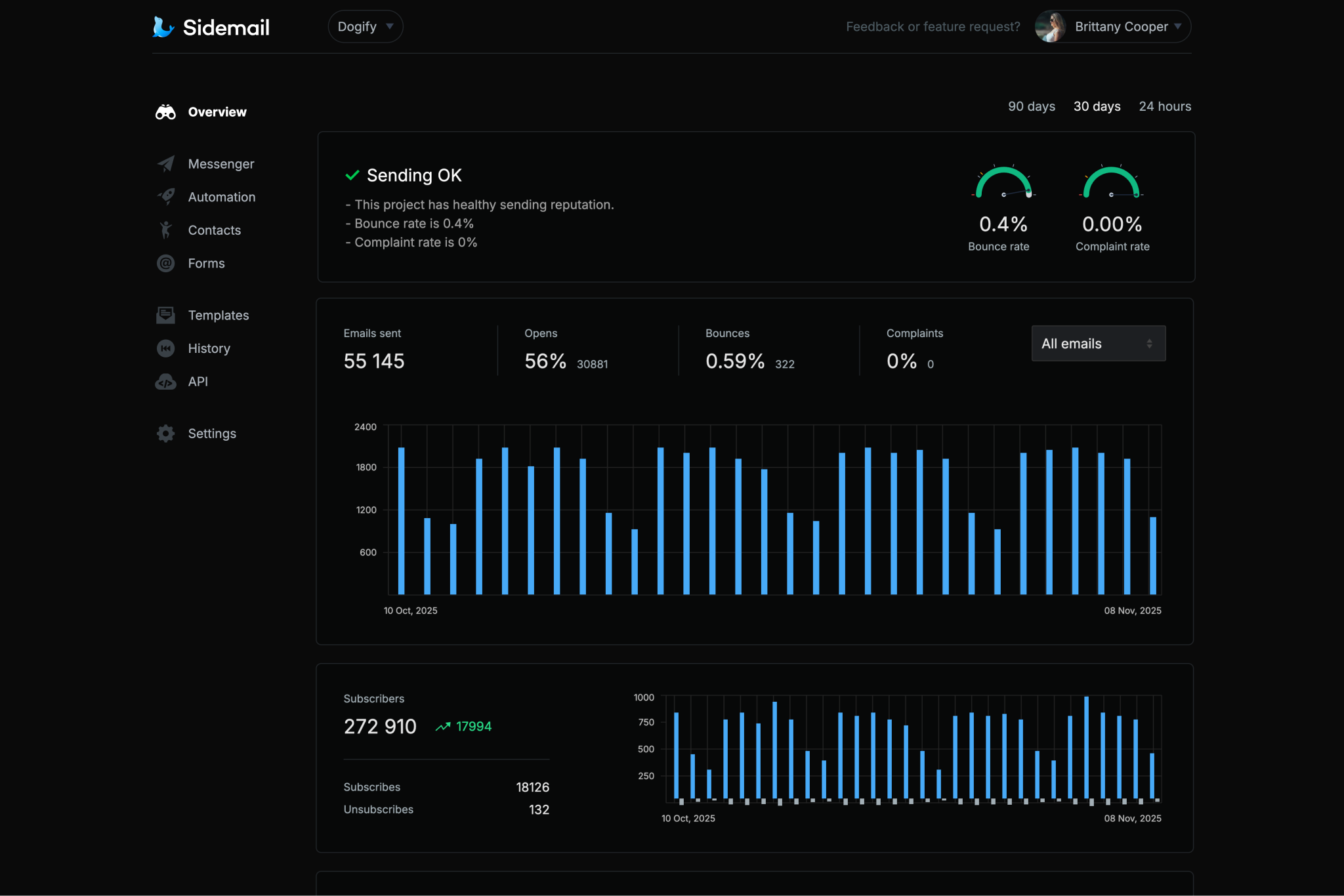
Reliable delivery & Strong security
Your emails benefit from our battle-tested infrastructure, so they land in inboxes, not spam.
- Sender address verification
- Automatic DKIM/SPF setup
- Suppression lists
- GDPR compliant
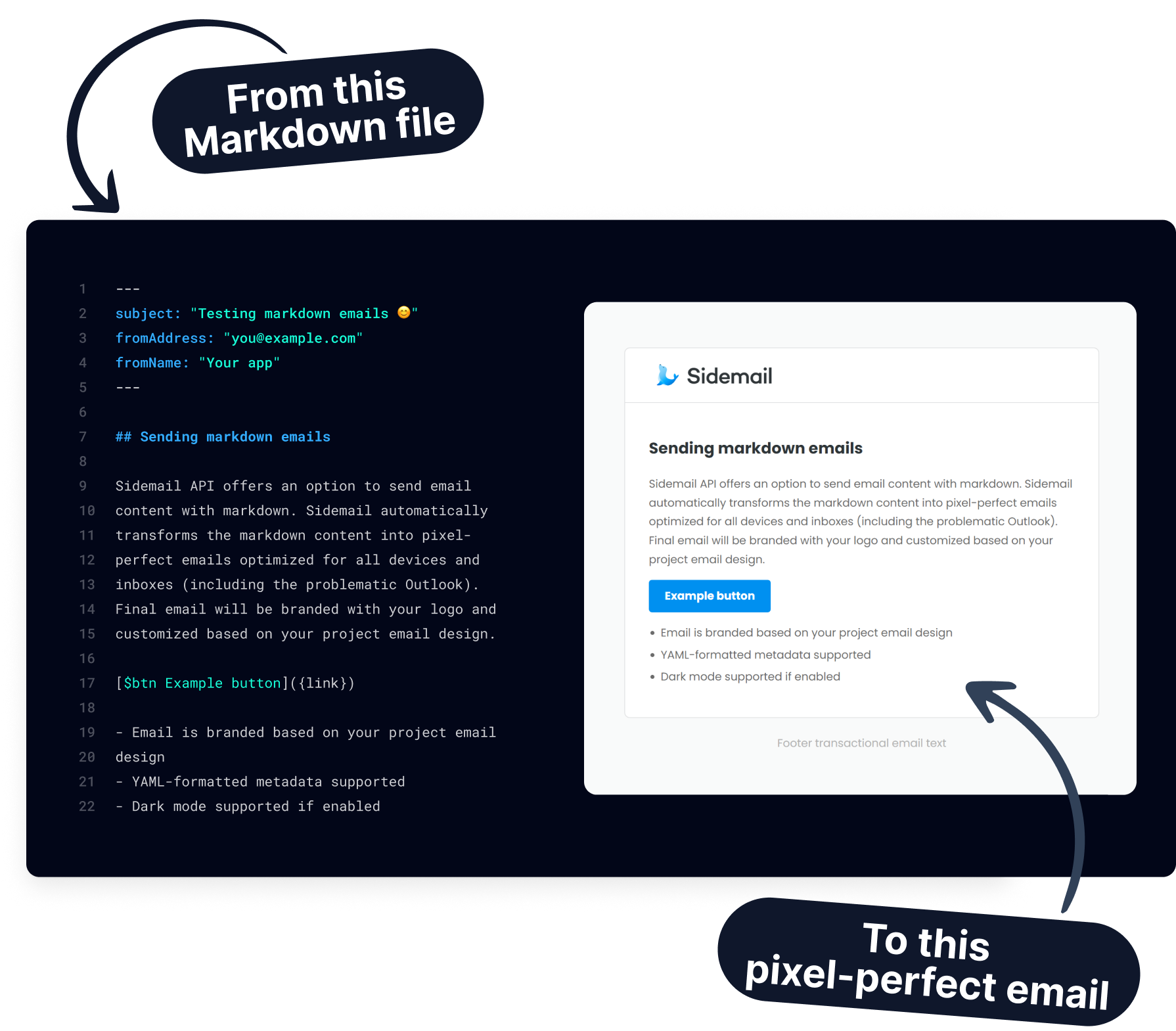
Markdown support
Add the header X-Sidemail-Markdown: true and send plain-text Markdown. Sidemail automatically converts it to a beautiful, responsive, branded HTML email using your project’s logo, colors, fonts, and dark mode settings. No HTML coding required.
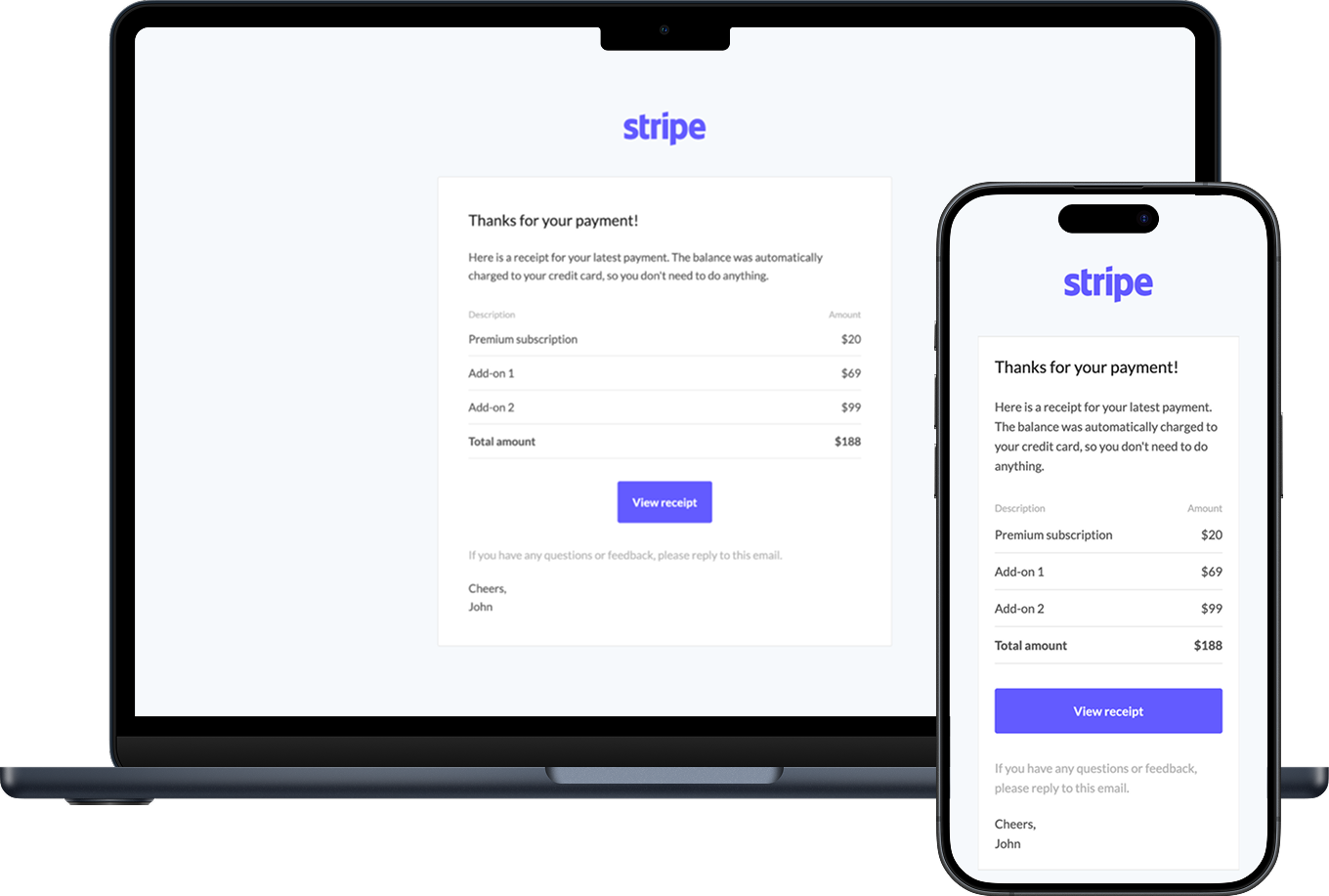
Works with the tools you already have
Keep your current app, plugin, or workflow and send through standard SMTP instead of rewriting your integration.
Fully compatible
- Legacy systems & scripts
- WordPress, PHP apps, CRMs
- Nodemailer, PHPMailer, SwiftMailer, etc.
- Any SMTP-supporting tool
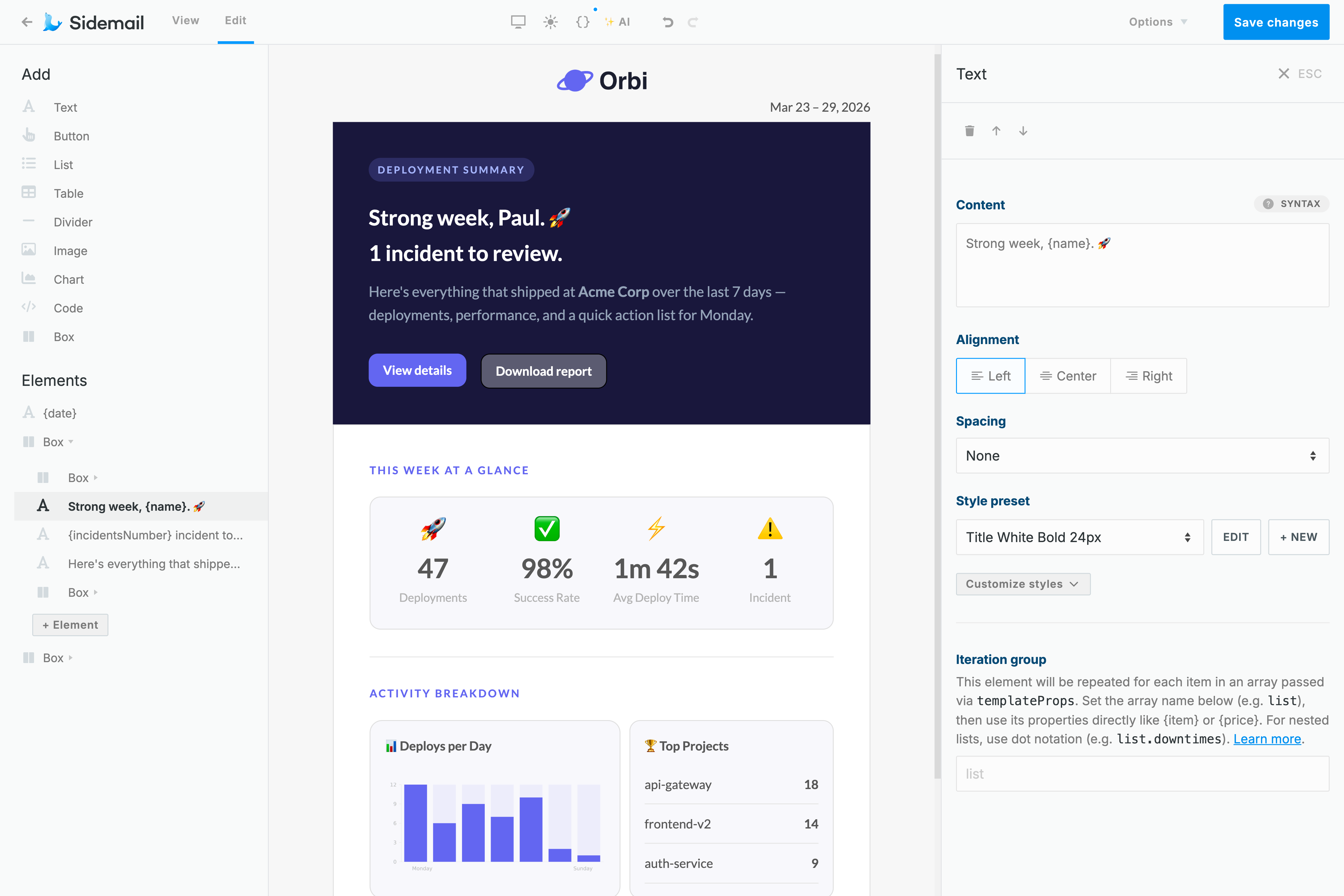

All-in-one platform
SMTP is just one way to send. Use our modern JSON API, no-code email editor, templates, Messenger for sending product updates and newsletters, email automations, contact management, analytics, logs, and more. All in the same dashboard.
More about Sidemail’s SMTP relay
Additional features at glance
- Email attachments support
- CC/BCC fully supported
- Unlimited history analytics
- Easy domain setup
- Fast email delivery and best inbox placement
- Developer-friendly & works with any SMTP client
- 5-star support by real engineers (even on weekends)
Perfect for
- Migrating legacy email systems without rewriting code
- WordPress sites & plugins (e.g., WP Mail SMTP)
- Internal tools, CRMs, ERP systems
- Scripts & cron jobs
- Teams that prefer SMTP but want modern reliability
- SaaS apps needing both SMTP and API flexibility
Ready to send reliable emails via SMTP?
Join developers and SaaS teams using Sidemail for stress-free delivery. No credit card required. Full features during trial.
Create free accountSMTP relay FAQs
What is SMTP relay?
An SMTP relay is a service that accepts emails via the standard SMTP protocol and delivers them reliably on your behalf. Sidemail handles the hard parts: infrastructure, reputation, authentication, and deliverability.
Do I need to change my code?
Usually no, just update the SMTP host, port, and credentials.
How does markdown work via SMTP?
Set the X-Sidemail-Markdown: true header. Your plain text body is treated as Markdown and turned into a fully branded, responsive email.
Is deliverability the same as the API?
Yes. You get the full power of Sidemail’s infrastructure.
What are the limits?
5MB max message size.
Can I use it alongside the API?
Absolutely, mix and match as needed.