Python email API with reliable delivery
Send email in Python
Add transactional email to your Python project in minutes using the official Sidemail SDK. Send welcome emails, password resets, receipts, and notifications with a simple API while Sidemail handles infrastructure and deliverability best practices.
Get startedRead API docsfrom sidemail import Sidemail
sidemail = Sidemail()
sidemail.send_email(
toAddress="[email protected]",
fromAddress="[email protected]",
fromName="Your App",
templateName="Welcome",
templateProps={
"firstName": user["name"],
},
)Quickstart: Send email in Python
Get Python transactional email delivery live in three steps:
Install the Sidemail Python SDK
Add Sidemail to your environment with pip:
pip install sidemailInitialize the Sidemail client
Create a Sidemail client instance. By default, the SDK reads SIDEMAIL_API_KEY from your environment.
from sidemail import Sidemail
import os

sidemail = Sidemail(api_key=os.getenv("SIDEMAIL_API_KEY"))
# or simply: sidemail = Sidemail()Send your first email
Call sidemail.send_email with recipient, sender, and content or template data. Sidemail handles the HTTP request, rendering, and delivery.
# Example: send a welcome email template
sidemail.send_email(
	toAddress="[email protected]",
	fromAddress="[email protected]",
	fromName="Your App",
	templateName="Welcome",  # template stored in Sidemail
	templateProps={"firstName": "Alice"},  # dynamic values for template variables
)
Key features & perks
Why Sidemail for Python emails
Fast Python email integration
Install the SDK, setSIDEMAIL_API_KEY, and call one method. Sidemail keeps the integration simple with clear docs and practical examples, so most Python apps are sending in under 30 minutes.Reliable inbox delivery
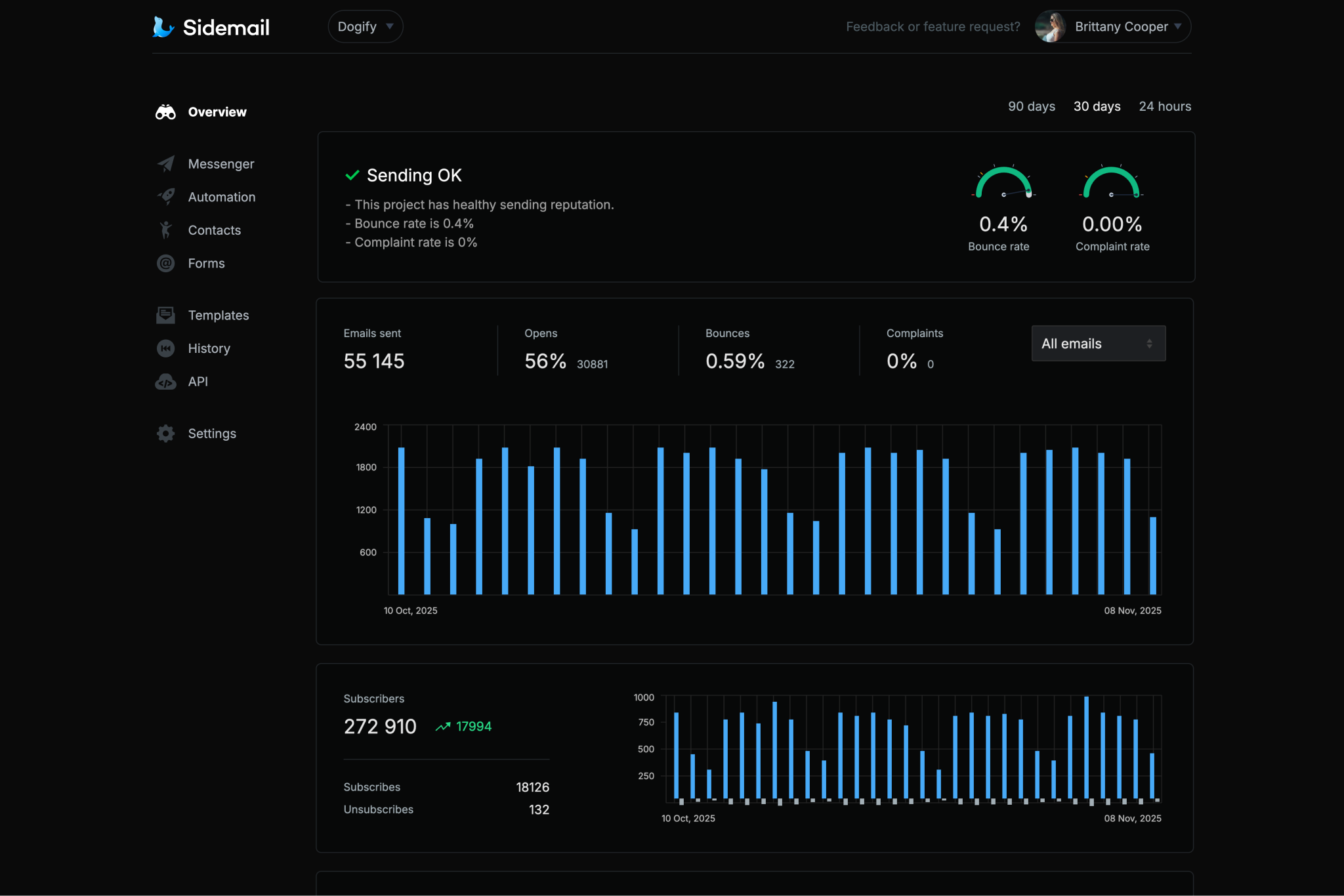
Sidemail runs on infrastructure built for transactional email reliability. With sender vetting and deliverability focus, your Python emails are positioned to land in inboxes consistently.Custom sending domain with DKIM & SPF
Send from your own domain and keep strong sender reputation. Sidemail automatically sets up DKIM and SPF authentication so your Python transactional emails follow core deliverability standards from day one.All‑in‑one email platform
Use one platform for transactional email sending, newsletters, automation, and contact management. Your Python backend stays focused on business logic while Sidemail handles the email stack in one place.Premade email templates & no‑code editor
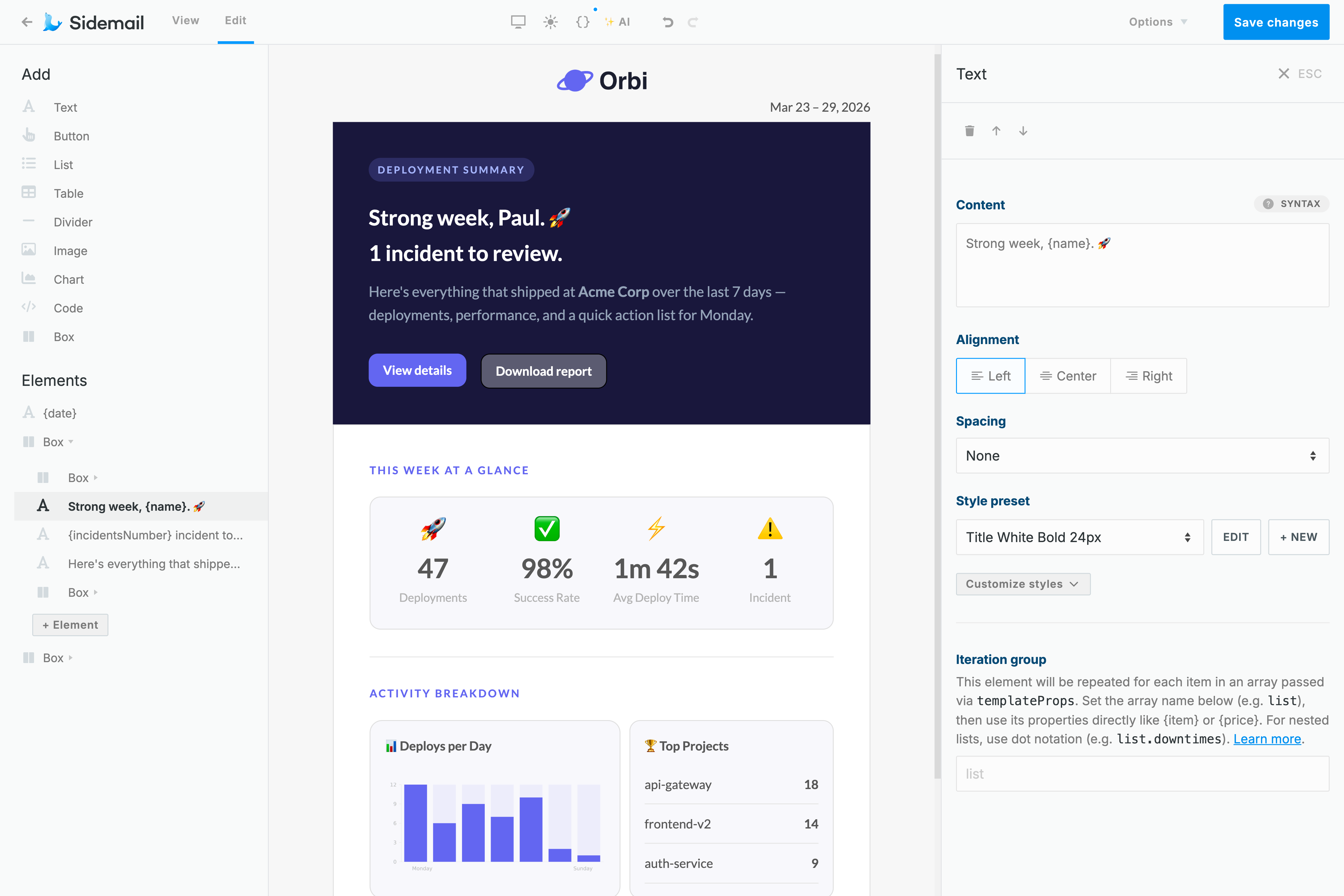
Start by importing tested templates for welcome emails, password resets, receipts, and more. Need custom email? Use the no‑code editor to build responsive templates without hand coding HTML.Built for Python teams and frameworks
Sidemail works smoothly in plain scripts and production apps built with Django, Flask, and FastAPI. The API is predictable, the docs are copy‑paste friendly, and operational visibility is available through logs and history in the dashboard.
Python transactional email examples
Use these production‑style examples to send common transactional emails from Python with Sidemail.
# Python: Send an account verification email template
sidemail.send_email(
	toAddress="[email protected]",
	fromAddress="[email protected]",
	fromName="Your App",
	templateName="Email Verification",
	templateProps={
		"verifyUrl": f"https://yourapp.com/verify?token={token}",
	},
)
Verification email
Send a sign‑up verification message with a secure one‑time link or token.
- Include a visible action button and enforce link expiration for security.
- Sidemail includes ready‑to‑use verification templates, so you can ship quickly.
# Python: Send a payment receipt email template
import datetime

sidemail.send_email(
	toAddress="[email protected]",
	fromAddress="[email protected]",
	fromName="Your App",
	templateName="Payment Receipt",
	templateProps={
		"userName": user["name"],
		"amount": "$19.99",
		"date": datetime.date.today().isoformat(),
	},
)
Receipt or notification email
Deliver receipts, invoices, and account notifications immediately after important user events.
- Include essential details like amount, date, and context so users can reference the email later.
- Use
templatePropsto inject values into Sidemail templates while keeping design consistent.
# Python: Schedule a welcome email for 1 hour from now
import datetime

scheduled_at = (
	datetime.datetime.utcnow() + datetime.timedelta(hours=1)
).isoformat() + "Z"

sidemail.send_email(
	toAddress="[email protected]",
	fromAddress="[email protected]",
	fromName="Your App",
	templateName="Welcome",
	templateProps={"firstName": "Alex"},
	scheduledAt=scheduled_at,
)
Welcome email with scheduled delivery
Queue a welcome email for later delivery, for example one hour after registration.
- Set
scheduledAtwith a future ISO 8601 timestamp. - Useful for onboarding journeys where timing matters and you want controlled first‑touch messaging.
# Python: Send a password reset email with markdown
with open("templates/emails/password-reset.md", "r", encoding="utf-8") as f:
	markdown_content = f.read()

sidemail.send_email(
	toAddress="[email protected]",
	markdown=markdown_content,
	templateProps={
		"firstName": "Alex",
		"resetLink": "https://yourapp.com/reset?token=abc123xyz",
		"expiresIn": "30 minutes",
	},
)
---
subject: "Reset your password"
fromAddress: "[email protected]"
fromName: "Your App Security"
---
Hi {firstName}, we received a request to reset your password.
[$btn Reset password]({resetLink})
This link expires in {expiresIn}.Password reset email sent with Markdown
Write your email in Markdown, then let Sidemail transform it into responsive HTML that matches your project branding and renders consistently across inboxes.
- Keep the template in a
.mdfile in your Python project. - Define subject and sender in markdown frontmatter.
- Use
templatePropsfor dynamic variables likeresetLinkandexpiresIn.
Deliverability best practices
SPF, DKIM, and DMARC for transactional email
SPF and DKIM validate that your messages are authorized by your domain. DMARC adds policy and reporting on top of those checks. Together, these protocols are fundamental for inbox placement and sender trust.
Sidemail helps automate SPF, DKIM, and DMARC setup, so your Python app can send authenticated emails from the start.
The simplest way to build emails
No-code email editor & premade email templates
Design responsive templates visually with Sidemail's no‑code editor. Choose brand colors, add your logo, and craft beautiful templates without writing HTML.
Need speed? Start by importing premade email templates for reset emails, welcomes, receipts, and more. Every template is tested for broad email client compatibility, so your Python emails stay clean and consistent.
Learn moreDeveloper‑friendly formatting
Markdown support for Python emails
Hand‑coding HTML emails can slow down development and create maintenance overhead, especially when your team only needs clear transactional messaging.
With Sidemail, you can write content in Markdown and the platform renders responsive, well‑styled HTML automatically. Headings, lists, buttons, links, and code blocks are supported out of the box.
This workflow is ideal for Python transactional emails, when you want fast authoring, readable templates, and no HTML debugging.
Learn more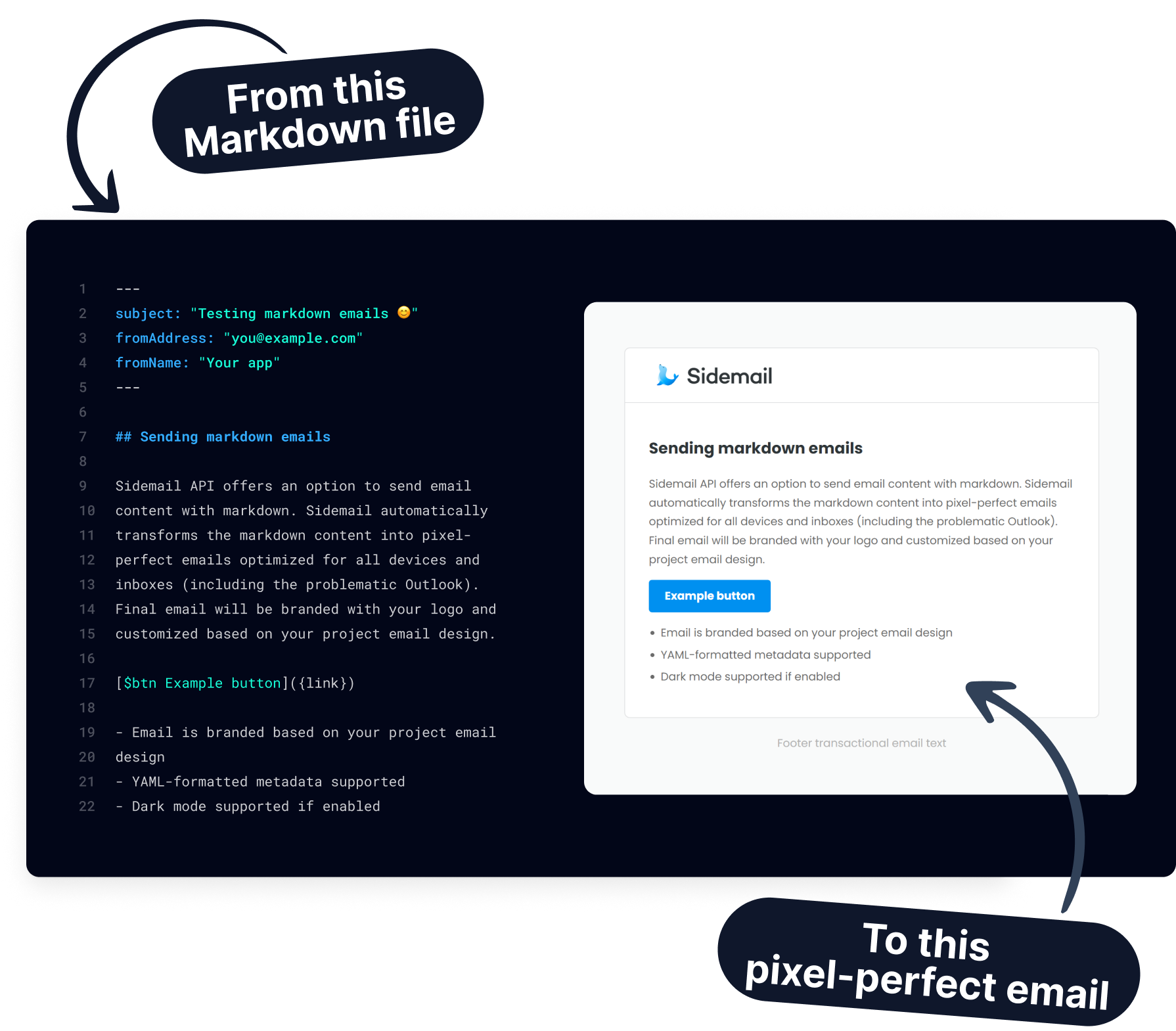
Get started today
Ready to send email in Python with confidence? Sidemail gives you a fast integration, reliable delivery, and ready‑to‑send email templates.
Start free trialFAQs
How do I send email in Python?
Install Sidemail with pip install sidemail, initialize Sidemail(), and call send_email() with recipient, sender, and content or template data. Sidemail handles the API infrastructure, formatting options, and deliverability workflow.
Can I use Sidemail with Django, Flask, or FastAPI?
Yes. The Python SDK works in any Python environment, including Django, Flask, FastAPI, CLI scripts, and background workers.
How do I send transactional email templates from Python?
Create a template in Sidemail, then call send_email() with templateName and templateProps. Sidemail merges dynamic values into your template and sends a fully formatted transactional email.
Can I send Markdown emails from Python?
Yes. Load a markdown file and pass it as markdown in send_email(). Sidemail converts Markdown into responsive HTML email and lets you personalize variables using templateProps.
Can I schedule email delivery in Python?
Yes. Include scheduledAt with a future ISO 8601 timestamp in your send request. Sidemail queues the email and delivers it at the specified time.
Can I send attachments with the Python SDK?
Yes. Use Sidemail.file_to_attachment() to build attachment objects from file bytes, then pass them in the attachments array when sending. Keep total attachment size around 2.5 MB or less.
Do I need SMTP to send email in Python with Sidemail?
No. Sidemail is API‑first, so you do not need to configure SMTP hosts, ports, or credentials in your Python code. You send email via HTTPS API calls through the SDK, and Sidemail handles the sending.