Email MCP server
Send and manage emails right from your AI tools like Claude, VS Code, Cursor, or Windsurf. It runs on Sidemail’s proven email API for reliable delivery, tracking, and scalability – so every message reaches its destination.
Start free trialRead API docs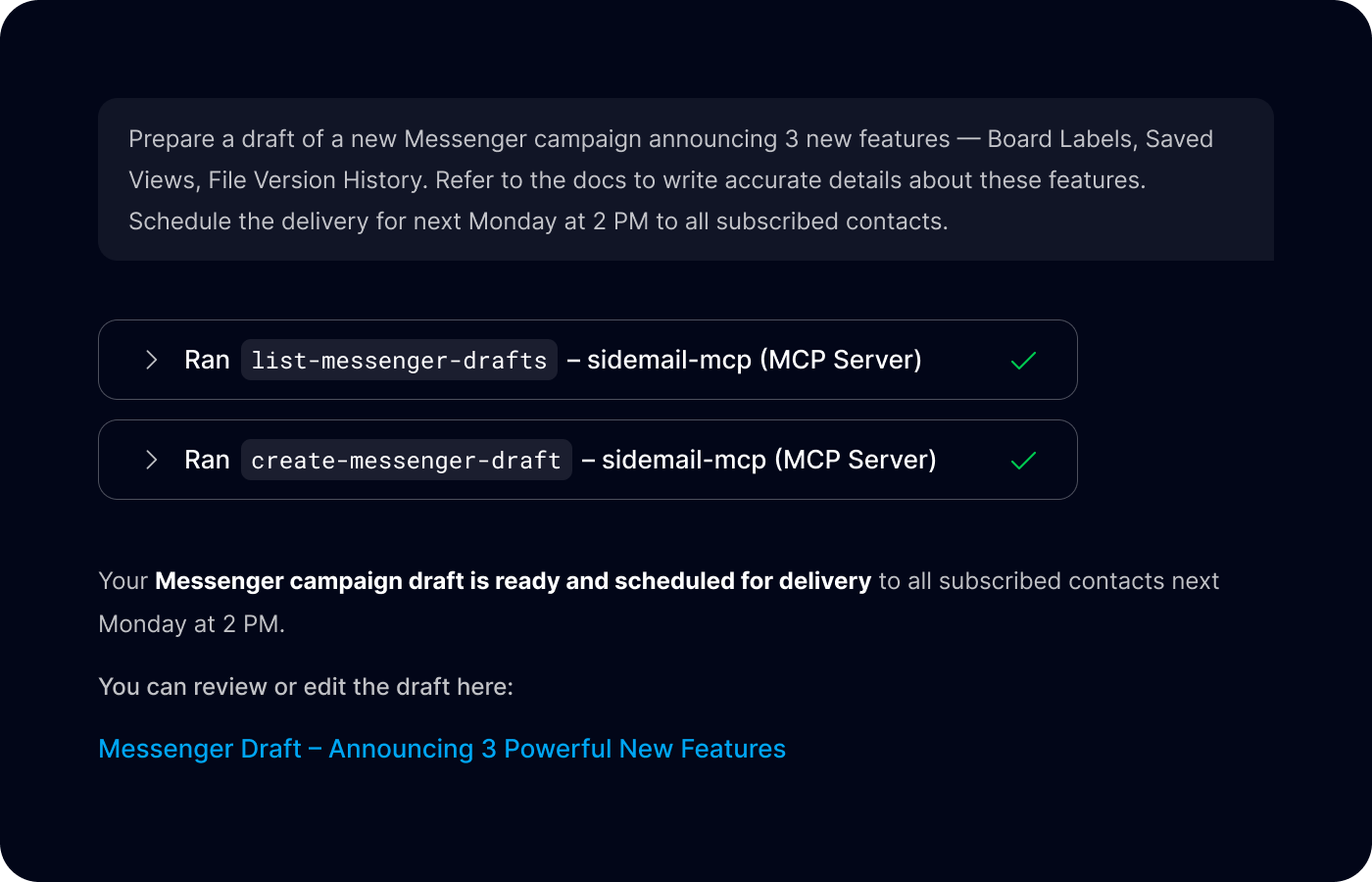
Key features & perks
Why Sidemail Email MCP Server
Send & manage emails from AI tools
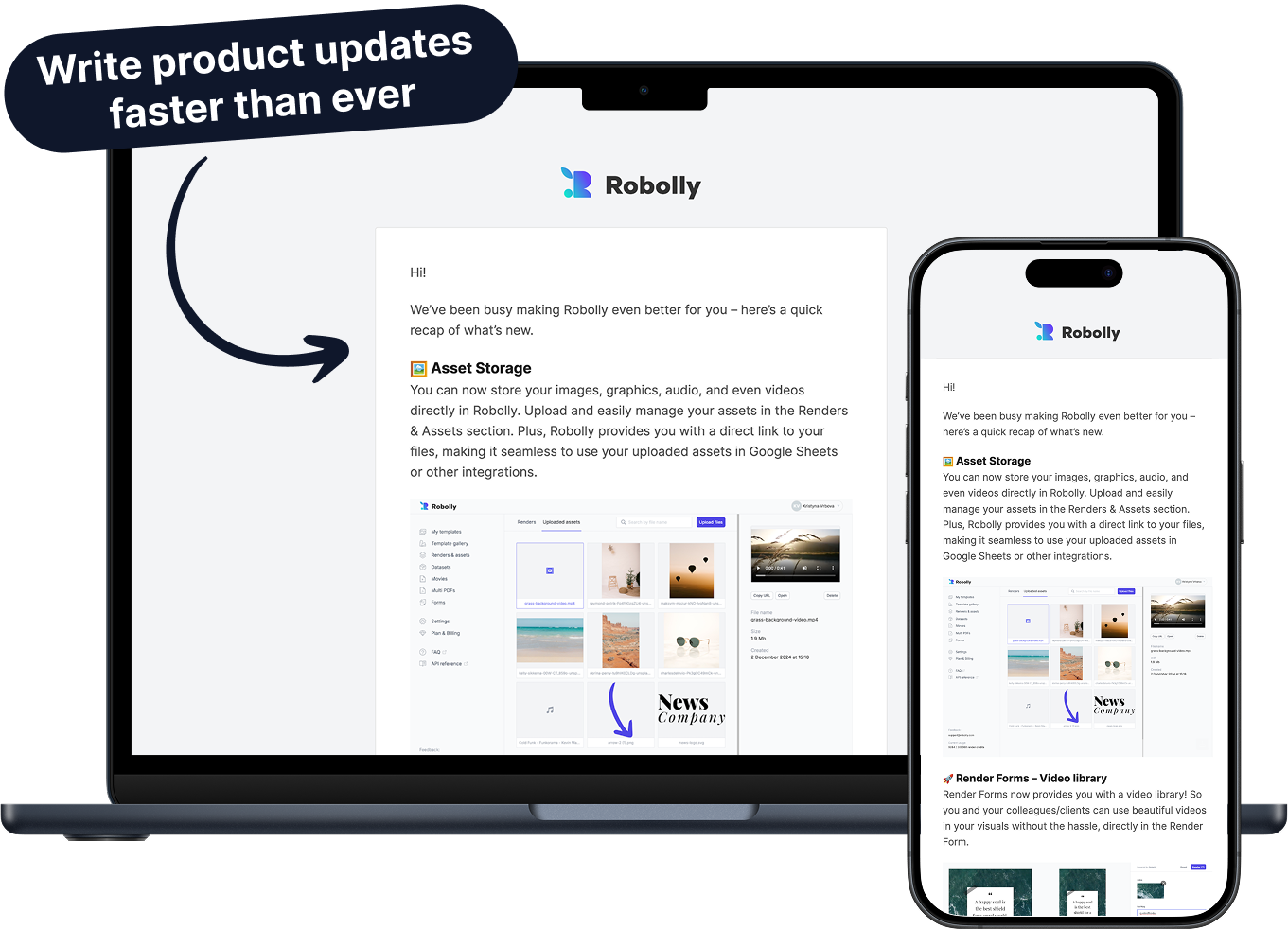
Sidemail’s MCP server lets your LLM set up transactional email sending or write newsletters via simple commands.
Every email goes through Sidemail’s trusted infrastructure, so you don’t need to handle the email complexity yourself.
Organize your contacts & groups
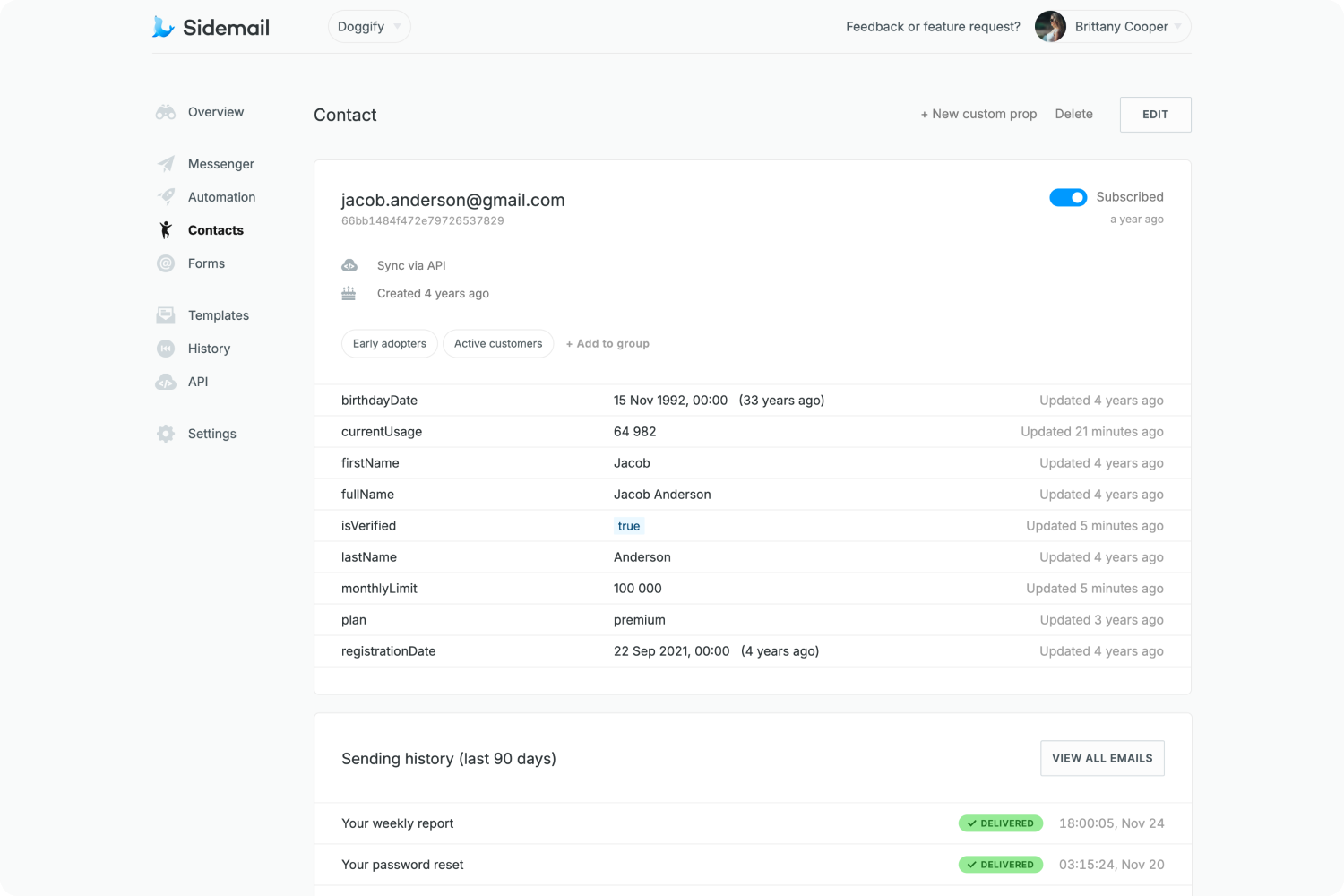
Add or update contacts from inside an AI chat.
You can also organize your contacts into groups – Sidemail’s MCP tools like create‑group and create‑or‑update‑contact make it effortless to manage your audience.
Domain verification & deliverability
Via Sidemail MCP server, you can also add, delete and list your sending domains, complete with automatic DKIM and SPF setup.
You get built-in deliverability best practices to ensure your emails hit inboxes reliably.


Works where you work
Sidemail Email MCP server works with popular MCP-compatible clients.
Use it in chat-based AI interfaces like Claude Desktop or inside development environments like VS Code, Cursor, and Windsurf – anywhere that supports the Model Context Protocol.
How It Works (step‑by‑step)
Install the MCP server in your AI client
In VS Code, open the Command Palette and select “MCP: Add Server…”, then enter @sidemail/mcp.
In Claude or Cursor, add Sidemail’s MCP server to the config (pointing to npx @sidemail/mcp).
Authorize with your API key
Provide your Sidemail API key when prompted (or add it to the config). This securely connects the MCP server to your Sidemail account.
Done! Your AI agent can now help you manage and send your emails
You can now ask your AI agent to perform tasks that help you manage and send your emails and contacts.
For example, ask it to write a draft of a product-update email based on the recent features you added to your service. Refine the draft in the chat, then, when you’re happy with it, send it to your customers or schedule the delivery later.
The potential is limitless — to see everything you can do check the documentation.
Developer‑First Features You Will Enjoy
Natural prompt workflow
Use plain language to command the MCP server. The AI handles the steps, retrieves data, calls the corresponding email API, and asks for confirmation before final actions. Keeping you in control.Built‑in deliverability best practices
With Sidemail, you don’t need to babysit DNS or stress about IP warm up, feedback loops, HTML email structure and other tricky stuff. We provide you with the best practices out‑of‑the‑box.Your sending domain & DKIM
Use your own domain for sending. To establish the best delivery results, we automatically set up for you DKIM and SPF.Clean, readable docs
Sidemail provides developer-friendly documentation with clear examples, so you don’t have to guess how things work.5‑star rated support
Get prompt, personal help whenever you need. We’re here for you to help (even on weekends!). If you ever need anything, you'll get help from the engineers who built the platform.Detailed logs & API data
In your Dashboard you can see every API request with all its details, request body, and response body – making development even easier.
Get started today
Ready for hassle‑free email delivery? With Sidemail, you’ll be sending reliably in minutes.
Start free trialFAQs
What is an Email MCP server?
An Email MCP server is essentially an email integration for AI. MCP stands for Model Context Protocol – an open standard that lets AI assistants use tools and external services. Sidemail’s Email MCP server is a program that translates Sidemail’s email features (sending emails, managing contacts and domains, etc.) into a format an AI like Claude or Cursor can use. In practice, it means you can prompt an AI to perform email tasks (send a message, add a contact, etc.), and the MCP server will carry out those actions via Sidemail’s API, then return the results to the AI.
How do I connect Sidemail’s Email MCP server in Claude Desktop?
Claude Desktop supports MCP servers through its settings. To use Sidemail’s server, you’ll need to add it to Claude’s config file. On Claude Desktop, open the configuration JSON and add an entry for Sidemail’s server. Read more in docs.
How do I set up the Sidemail Email MCP server in VS Code?
In VS Code, it’s very straightforward. Press Ctrl/Cmd + Shift + P to open the Command Palette, then start typing “MCP: Add Server”. Select that, choose “NPM Package” when prompted, and enter @sidemail/mcp as the package name. VS Code will install the Sidemail MCP server for you. When it asks, paste in your Sidemail API key. Once done, your VS Code AI (for example, using the built-in chat or Copilot Labs in agent mode) will have access to Sidemail’s email tools. Alternatively, you can configure the mcp.json manually as outlined in the docs, but the guided approach is easiest. Read more in docs.
Can I manage contacts and domains through the MCP server?
Yes – managing your subscriber lists and sender domains is a core part of Sidemail’s MCP server. There are tools for contacts (adding/updating contacts, querying contacts, deleting) and for groups (creating contact groups, listing them, etc.).
Are there any usage limits or extra costs for using the Email MCP server?
There’s no additional fee to use the Email MCP server. It’s included as part of the Sidemail service for all users.