Sidemail News (January 2026): Dedicated PHP, Python & Ruby email libraries, new sending domain page, email analytics update, new contacts bulk actions & more
Published January 27, 2026 · Kristyna Vrbova
We’ve got lots of updates in Sidemail – here’s an overview of what’s new and improved:
📚 Dedicated PHP, Python, and Ruby libraries
Configuring email sending is now even easier. Sidemail now has dedicated libraries for PHP, Python, and Ruby. Together with our Node.js SDK, these libraries make setup even simpler.
Also, we put together new step-by-step quickstarts for all popular languages – you can check them out in our docs:
- JS – Node.js, Express.js, Next.js
- PHP – PHP, Laravel, Symfony, Slim
- Python – Python, Django, Flask, FastAPI
- Ruby – Ruby, Ruby on Rails
- Other – WordPress
✉️ Sending domain page
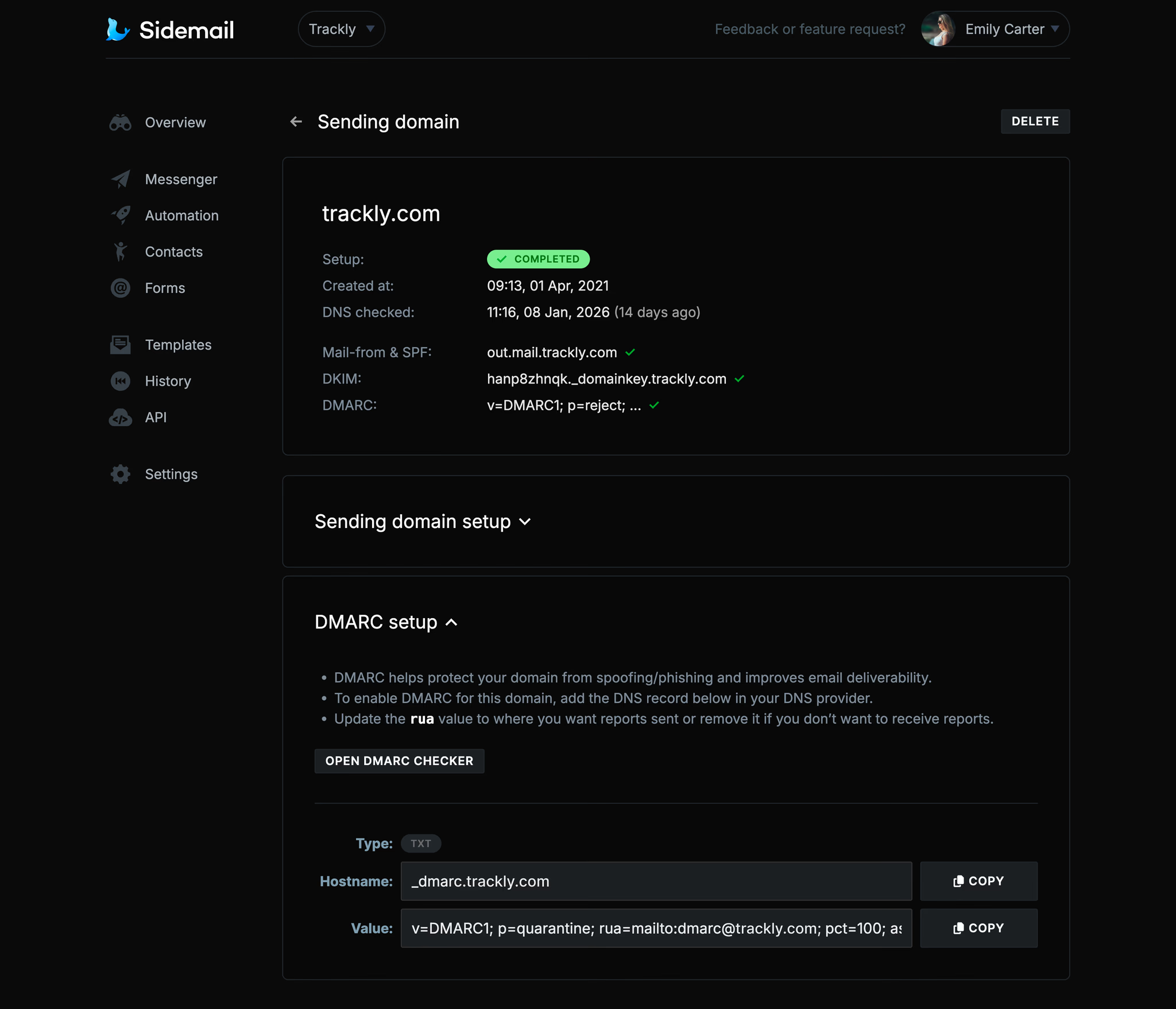
Each sending domain now has a dedicated page that’s nicely organized and includes all the information you need, including Mail-From & SPF, DKIM, and DMARC setup. You can find it in your project dashboard > Settings > Sending domains section.
📈 Overview analytics
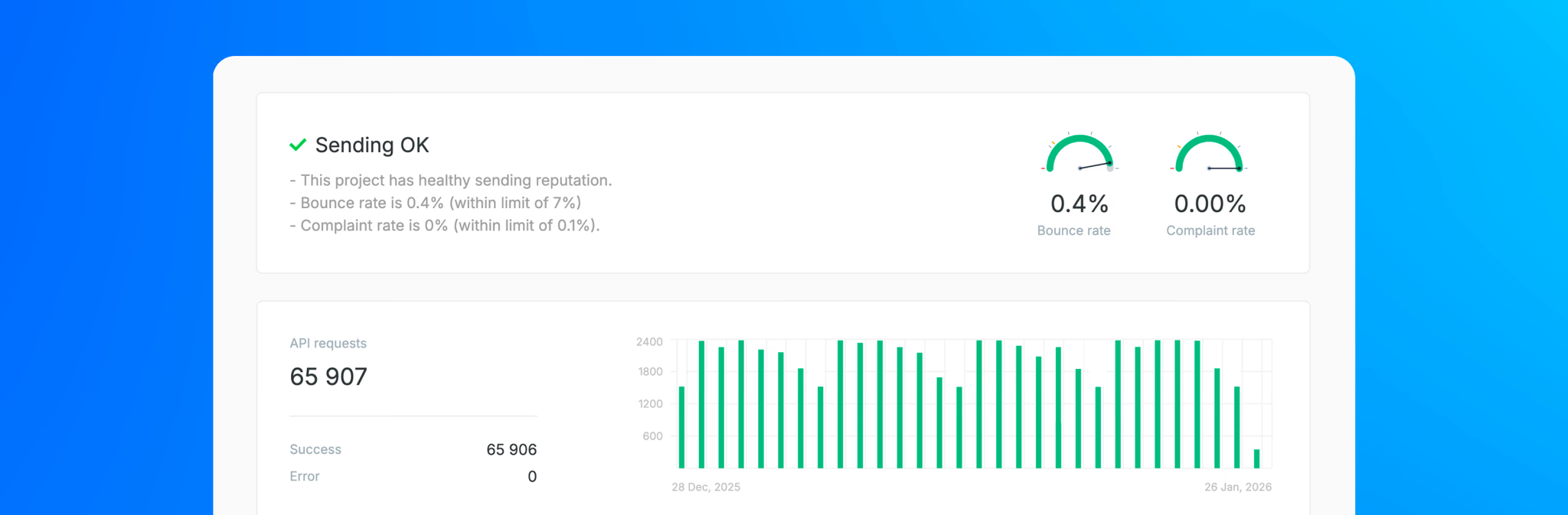
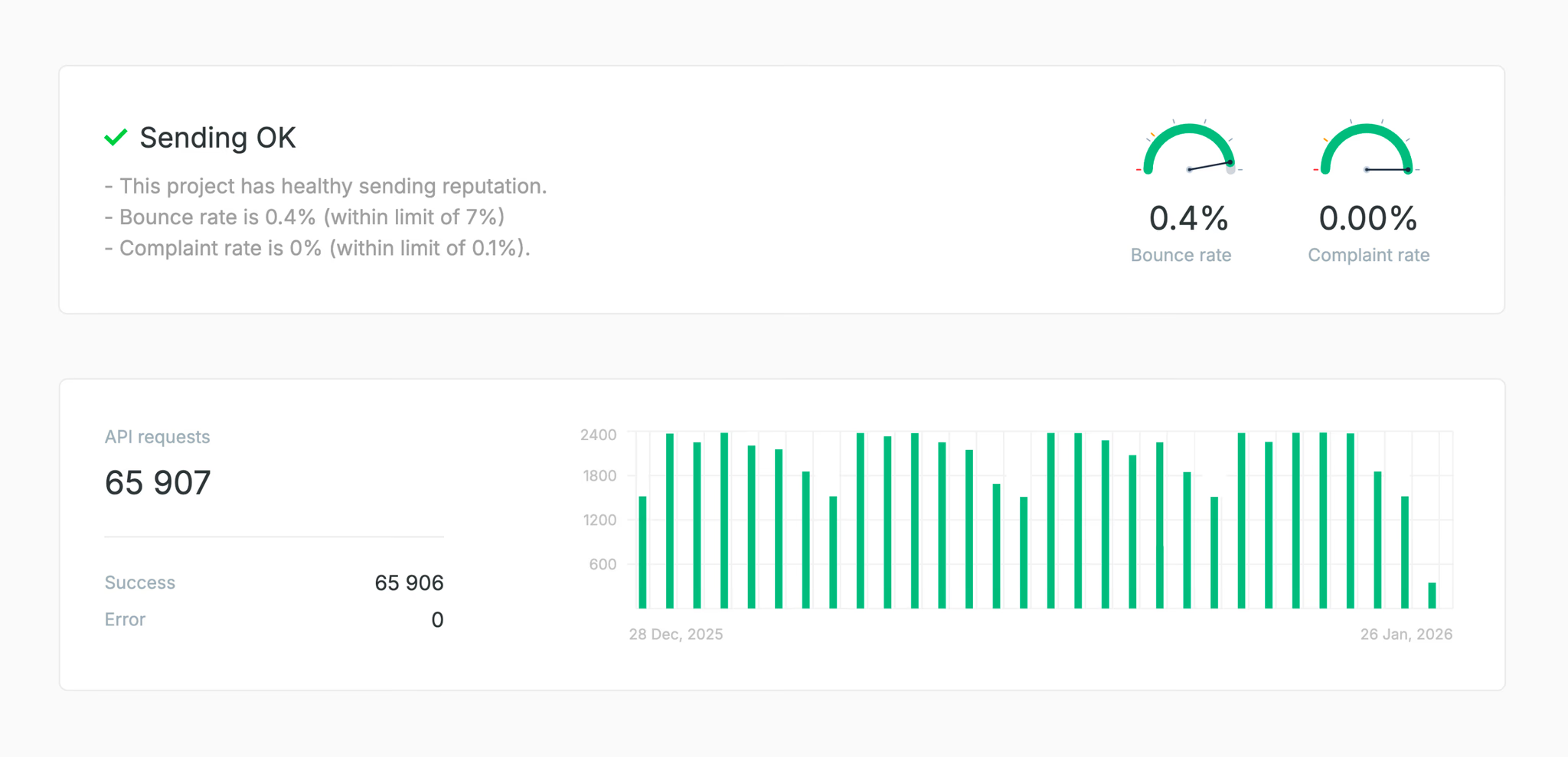
Your project’s overview page got an update. At the top, you’ll now see your sending reputation at a glance. At the bottom of the page, there’s a new API requests chart. If you hover over the email chart, you can now find more detailed sending data. All of this should help you see the essentials quickly and clearly.
👤 Bulk actions for contacts
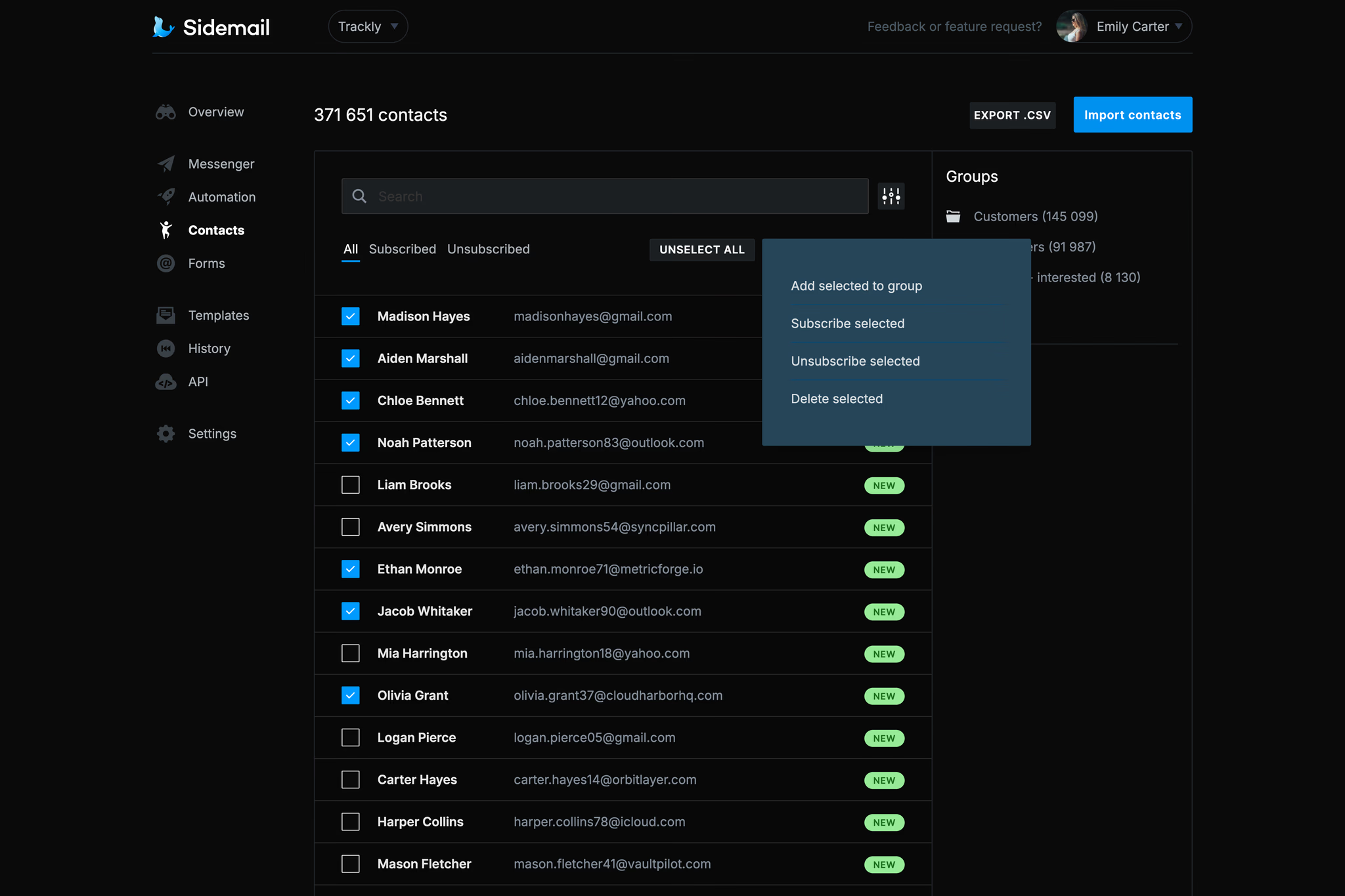
You can now manage your contacts in bulk from the Dashboard. Organizing contacts into groups, unsubscribing, deleting, etc. – just use the checkbox next to the contact’s name to select them and click the bulk action button in the top right.
⚙️ Send test email via Dashboard
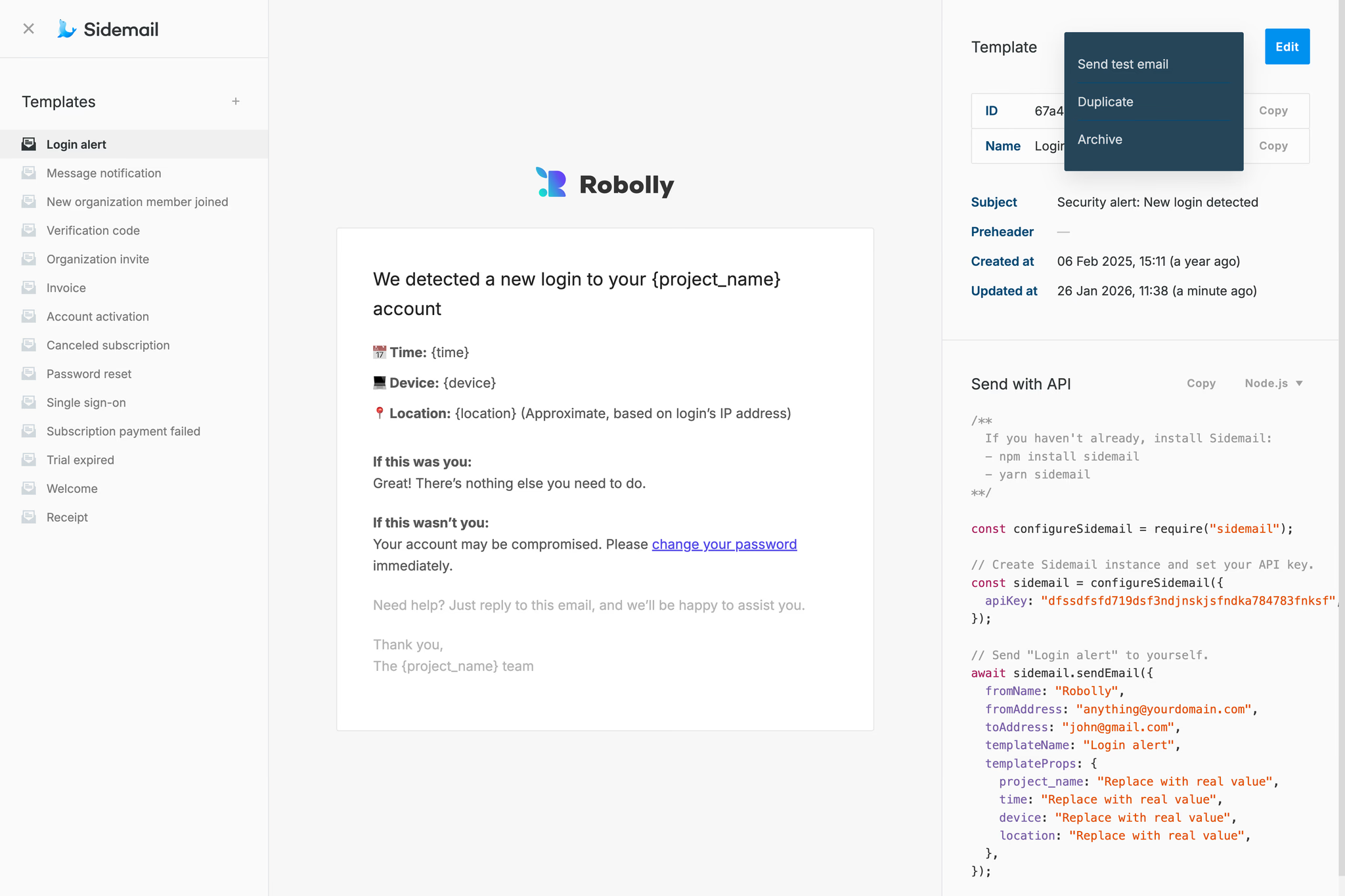
You can now send a test of your email template directly from the Template editor. To do so, open your template > click the Options button in the top right corner > Send test email.
📫 CC and BCC parameters
Sidemail API now has new parameters for setting CC (carbon copy recipients) and BCC (blind carbon copy recipients). You can read more in the docs.
✨ More news and improvements
- Image as a link – In Messenger, when writing a newsletter/product update, you can now add an image with a clickable link.
- Undo changes in Template editor – In the Template editor, you can now easily undo/redo your changes by clicking the buttons in the left panel or using keyboard shortcuts – Ctrl + Z (Cmd + Z) for undo and Ctrl + Shift + Z (Cmd + Shift + Z) for redo.
- AI model update – The AI model for generating email templates got updated, helping you draft content more easily. If you haven’t tried it yet, you can find it after creating a new template (or opening an existing one) and clicking the AI button at the top of the left panel.
I hope you like these updates! If you have any ideas that would make your emails even better or easier, please reach out. We’re always happy to hear your thoughts and improve Sidemail further.
👉 Try Sidemail today
Dealing with emails and choosing the right email service is not easy. We will help you to simplify it. Create your account now and start sending your emails in under 30 minutes.